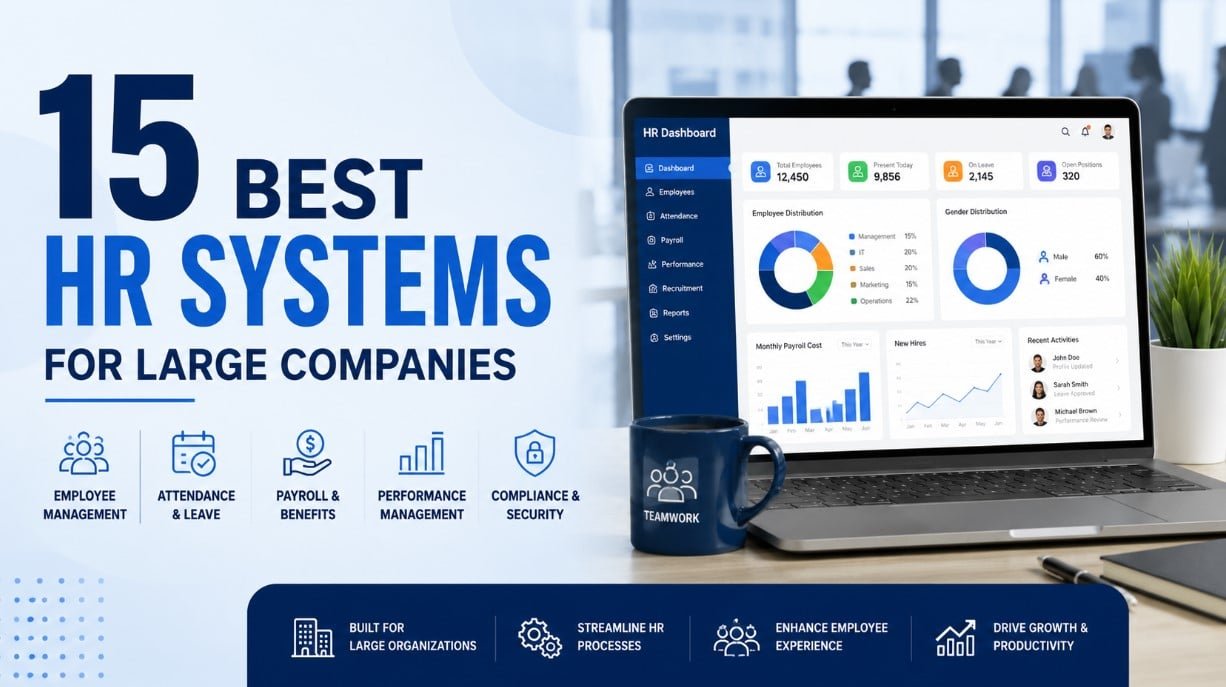
There is a massive gap between what an HR platform promises in a sleek demo and what it actually takes to run it at scale.
A bad enterprise software decision carries a five-year penalty box. It consumes hundreds of hours of internal resources, derails productivity, and leaves you dependent on a system your team is too tired to fix and too invested to abandon.
Because there is no objectively “best” system on the market, the goal isn’t to buy the most expensive or highly rated tool. The goal is to match a platform to your specific operational scale, your existing architecture, and your organization’s actual tolerance for a complex rollout.
To help you cut through the noise, I’ve put together a practical breakdown of 15 HR platforms running in the enterprise market today. This covers what they actually cost once the sales reps leave the room, where they genuinely excel, where they fall short, and—crucially—who they were truly built for versus who they are marketed to.
Now let’s get into it.
| Who this guide is for This article focuses on HR systems built for large organisations — typically 500 to 50,000+ employees. If you’re a startup or small business, some of these tools will be overkill and the pricing will make your eyes water. A few platforms on this list do scale down, but we’ll flag that where relevant. |
Best HR Systems for Large Companies
Quick Comparison: 15 Best HR Systems for Large Enterprises
Before diving deep, here’s a bird’s-eye view of all 15 platforms covered in this guide.
| Platform | Best For | Starting Price | Standout Feature |
| Workday HCM | Global enterprise | Custom (est. $34-42/user/mo) | End-to-end HCM + Finance |
| SAP SuccessFactors | Very large enterprise | Custom (est. $28-38/user/mo) | SAP ecosystem integration |
| Oracle HCM Cloud | Complex enterprise | Custom (est. $15-30/user/mo) | Deep analytics + ERP tie-in |
| ADP Workforce Now | US-heavy payroll + HR | Custom (est. $18-25/user/mo) | Payroll compliance coverage |
| Ceridian Dayforce | Workforce management | Custom (est. $16-25/user/mo) | Single unified platform |
| UKG Pro | People-first culture | Custom (est. $22-40+/user/mo) | Culture + workforce analytics |
| BambooHR | Mid-market (50-1000) | From ~$10/user/mo | Ease of use, fast adoption |
| Rippling | IT + HR convergence | From ~$8/user/mo | Device + app management |
| Personio | European SME-enterprise | Custom | GDPR-native, EU payroll |
| HiBob (Bob) | Fast-growing companies | Custom (est. $16-25/user/mo) | Culture, engagement, reporting |
| Sage People | Mid-enterprise global | Custom | Flexible data model |
| Cornerstone OnDemand | Learning + talent | Custom | Deep LMS + talent suite |
| ServiceNow HR | IT-driven HR service | Custom (est. $30+/user/mo) | ITSM-style HR service delivery |
| Namely | US mid-market | From ~$9/user/mo | ATS + payroll in one |
| Greenhouse | Recruiting-led companies | Custom | Best-in-class ATS |
Pricing note: Enterprise HR software is almost universally sold through negotiated contracts, not published price lists. The estimates above are based on market intelligence, analyst reports, and conversations with buyers. Treat them as orientation, not quotation.The 15 Best HR Systems for Large Companies: In-Depth Reviews
1. Workday HCM
If you’ve been in enterprise HR long enough, you’ve either implemented Workday, are currently implementing Workday, or are recovering from implementing Workday. It dominates the Fortune 500 landscape for good reason — and a few frustrating ones too.
Workday HCM is a cloud-native platform that handles everything from core HR and payroll to talent management, workforce planning, and financial management. Its unified data model is genuinely impressive: HR, finance, and planning all sit on the same platform, which means your headcount costs and your financial forecasts can actually talk to each other in real time. That’s not something you can say about many systems.
What Workday does exceptionally well:
- Reporting and analytics are best-in-class. The PRISM Analytics tool lets you blend internal and external data sources in ways that would take weeks to build in a traditional BI tool.
- Global payroll coverage is broad, with direct payroll in 40+ countries and partner integrations beyond that.
- The platform feels coherent — when you go from a recruitment workflow into onboarding into performance into compensation planning, it doesn’t feel like you’re using four different tools cobbled together.
- Workday is also genuinely investing in AI features: skills inference, internal mobility recommendations, and workforce planning simulations are increasingly useful, not just buzzword-driven.
Where Workday falls short (and people don’t always say this out loud):
- Implementation is a project. Not a weekend project. A 12-to-18-month, multi-million-dollar project with a systems integrator. Factor this in before you get excited about the demo.
- Configurability is simultaneously its strength and its curse. Workday can do almost anything — but making it do things requires certified Workday developers. Your own IT team can’t just nip in and fix a workflow.
- The mobile experience has improved but still lags behind what employees expect in 2025.
- Smaller business units or regional subsidiaries often get dragged into a Workday deployment they didn’t ask for and find it disproportionate to their needs.
| ✔ Pros | ✘ Cons |
| Truly unified HCM + Finance + Planning | Expensive — TCO can be shocking |
| Best-in-class analytics and reporting | Long implementation timelines |
| Strong global payroll footprint | Requires dedicated Workday admins |
| AI features actually useful, not just decorative | Mobile UX still catching up |
| Constant product development cadence | Small orgs within large groups often struggle with fit |
Best for: Large enterprises (1,000+ employees) with global operations and the budget and internal resource to run a proper implementation. If you're below 500 employees, look elsewhere.Related : Deel vs Remote vs Rippling: Best EOR for Scaling Agencies
2. SAP SuccessFactors
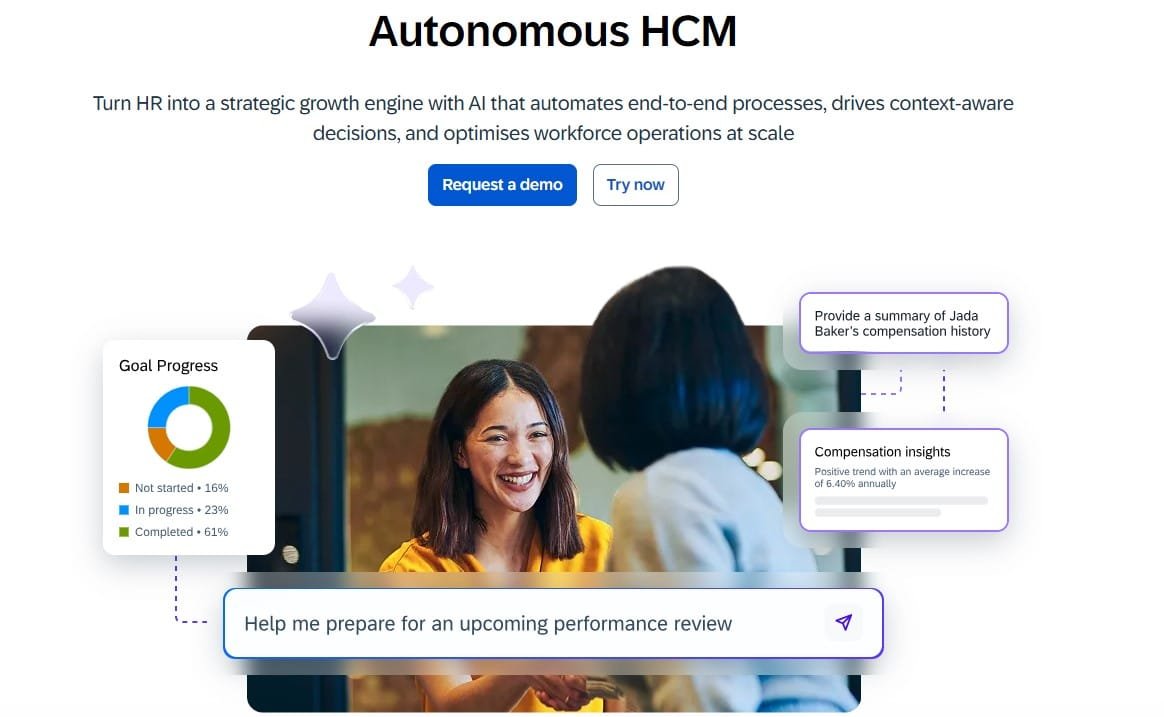
SAP SuccessFactors is the dominant HR platform for organisations already running SAP ERP. If your finance, procurement, and supply chain are on SAP, the integration story here is genuinely compelling — far better than forcing a non-SAP HR system to talk to S/4HANA via middleware you don’t fully understand.
SuccessFactors covers the full employee lifecycle: core HR (Employee Central), recruiting, onboarding, performance management, learning, compensation, and workforce analytics. The modules are mature — some have been in market for nearly two decades — and the breadth of functionality is hard to match.
SuccessFactors has historically suffered from a perception (not entirely unfair) that it’s several acquired products stitched together rather than a single coherent platform. The UI across modules has varied in quality, and some older modules have felt frozen in time.
SAP has been working hard to fix this under the Business Technology Platform umbrella, and progress is real — but if UX matters a lot to your employee population, you should do extensive demos rather than assume the screenshots you see in marketing materials represent the day-to-day experience.
| ✔ Pros | ✘ Cons |
| Deep SAP ERP integration | UI inconsistency across modules |
| Comprehensive module coverage | Complex licensing model — easy to over-buy |
| Strong compliance tooling for global orgs | Heavy reliance on system integrators |
| Mature analytics with SAP Analytics Cloud | Configuration can become technical debt |
| Large certified SI ecosystem | Less compelling for non-SAP organisations |
Best for: SAP-centric enterprises of 2,000+ employees, especially in manufacturing, logistics, and industries with complex workforce compliance requirements.3. Oracle HCM Cloud
Oracle HCM Cloud often gets overlooked in favour of Workday and SAP, which is a mistake if you’re an organisation running Oracle ERP or Fusion. Oracle’s people analytics capabilities are genuinely exceptional — the Journeys feature (guided digital workflows for employee life events) is one of the better employee experience innovations in the market — and the AI/ML layer within Oracle HCM is increasingly sophisticated.
The challenge is complexity. Oracle HCM is not a product you configure yourself over a few months. It’s an enterprise undertaking that requires specialist expertise, a clear data governance strategy, and patience. The payoff can be substantial — particularly for organisations that want to deeply integrate HR data with finance and operations — but you need to go in with eyes open.
| ✔ Pros | ✘ Cons |
| Outstanding analytics depth | Steep implementation learning curve |
| Strong Oracle ERP integration | UX can feel clinical and dense |
| Competitive global payroll coverage | Requires Oracle-certified resources |
| Regular quarterly feature updates | Total cost of ownership is significant |
| Journeys feature genuinely improves employee experience | Less intuitive for HR teams without technical support |
Best for: Large enterprises in the Oracle ecosystem, or those with complex workforce analytics requirements who have the technical resources to manage implementation.4. ADP Workforce Now
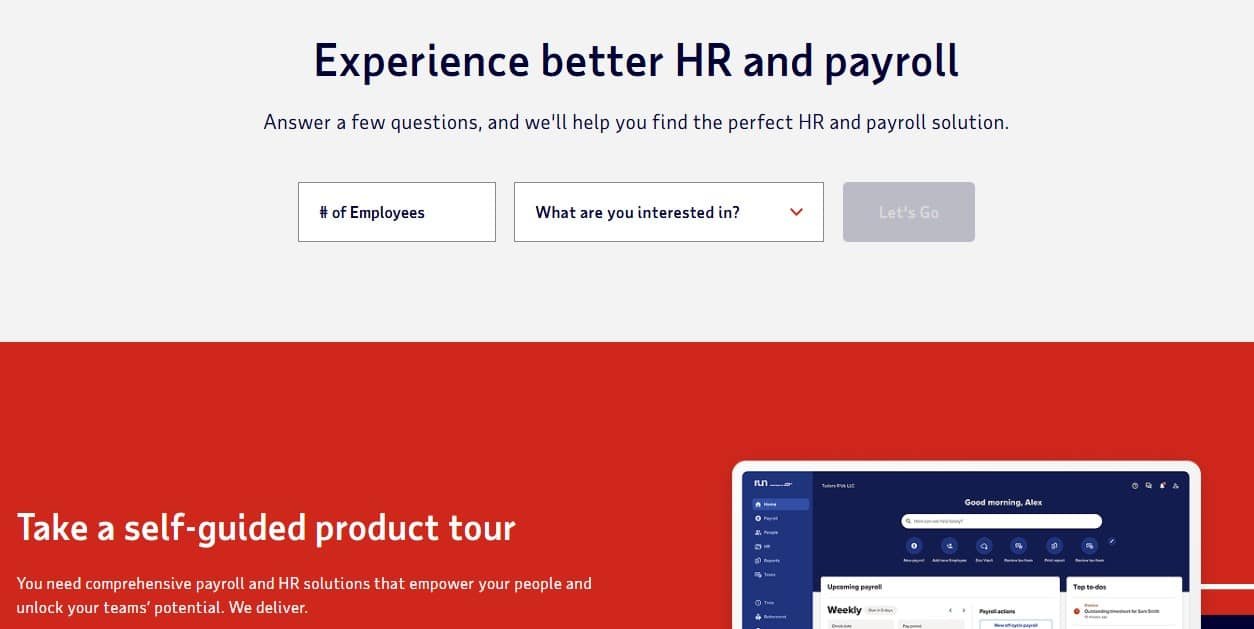
There’s a reason ADP processes payroll for roughly one in six US workers. When payroll compliance complexity is your primary anxiety — multi-state taxes, garnishments, benefits deductions, ACA reporting, year-end W-2s — ADP’s institutional knowledge is hard to replicate. They’ve been doing this for over 70 years, and it shows.
ADP Workforce Now is the mid-to-large market offering (as opposed to ADP Run for small businesses or ADP Vantage for the very large enterprise tier). It covers core HR, time and attendance, benefits administration, talent management, and payroll in a single platform. The recent UI refresh has improved usability considerably, and the mobile app is genuinely functional for managers and employees.
ADP’s strength is payroll and compliance. Its talent management modules — performance, succession, learning — are competent but rarely described as best-in-class. If advanced talent features matter to you, many ADP customers end up integrating a separate talent suite alongside it, which adds cost and complexity. ADP’s pricing has also become more aggressive as competition has intensified, so come to the table ready to negotiate — the listed price and the contracted price can differ significantly.
| ✔ Pros | ✘ Cons |
| Gold standard for US payroll compliance | Talent modules less competitive than standalone tools |
| Broad time and attendance functionality | Can feel like multiple products under one login |
| Large US support infrastructure | Support quality varies by account tier |
| Good self-service for employees and managers | International payroll coverage inconsistent |
| Stable, mature platform | Reporting UX frustrating for power users |
Best for: US-headquartered companies of 100-5,000 employees where payroll accuracy and compliance confidence is the top priority.5. Ceridian Dayforce
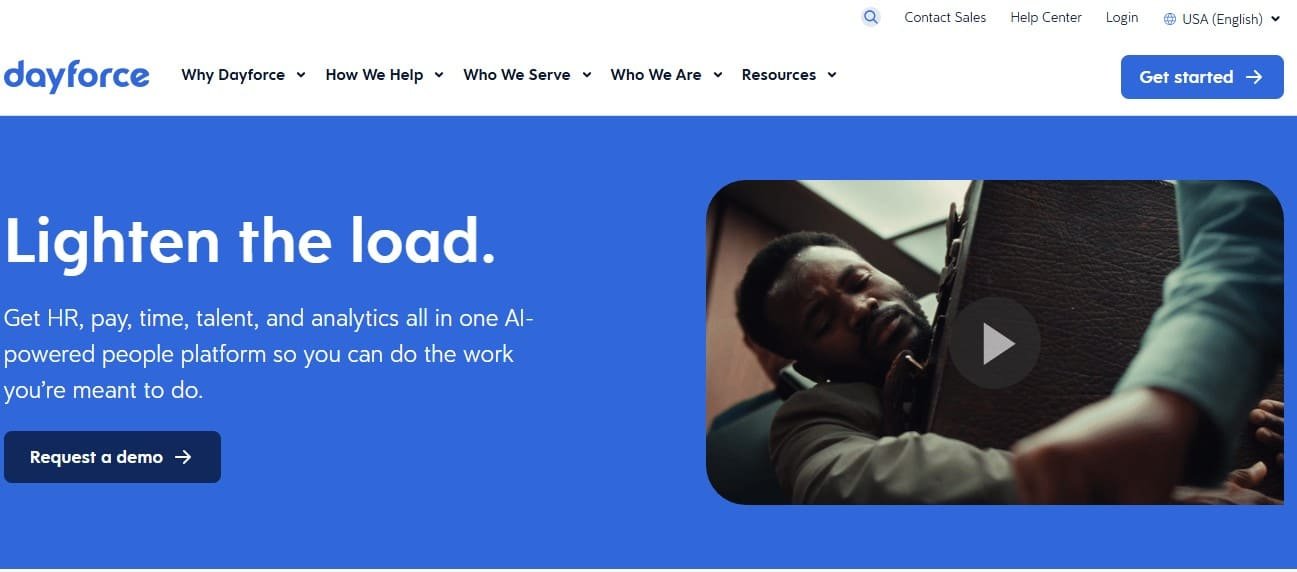
Ceridian Dayforce gets less press than Workday or ADP, but it’s one of the most genuinely integrated platforms in this space. Unlike competitors who assembled their suite through acquisitions, Dayforce was purpose-built as a single application — same database, same rules engine, same UI across HR, payroll, time, benefits, and talent. That architectural decision has real-world implications: a schedule change updates payroll in real time, not after a nightly sync. Benefits elections immediately recalculate paycheck impacts. It sounds minor until you’ve dealt with the alternative.
Dayforce has particularly strong workforce management capabilities — scheduling, demand forecasting, labour cost optimisation — which makes it especially relevant for industries like retail, hospitality, manufacturing, and healthcare where shift-based work is the norm.
| ✔ Pros | ✘ Cons |
| True single-platform architecture (not just integrated modules) | Less name recognition means harder internal sell |
| Real-time payroll calculation is genuinely powerful | Implementation still takes 9-18 months for large orgs |
| Strong workforce management for hourly/shift workers | Global payroll not as deep as Workday or ADP |
| Good compliance tools for multi-jurisdiction orgs | Talent suite (recruiting, learning) less mature than core HR/payroll |
| Competitive analytics dashboard | Fewer third-party integrations than larger platforms |
Best for: Retail, healthcare, manufacturing, and hospitality companies with 500-10,000 employees where workforce management and real-time payroll are critical.6. UKG Pro
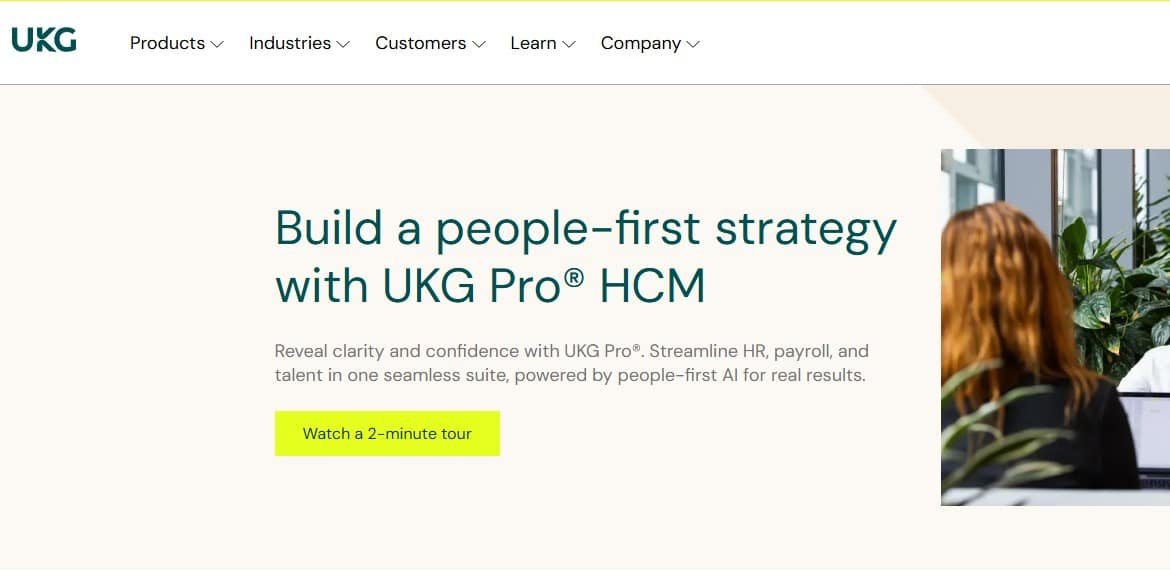
UKG (formed from the merger of Ultimate Software and Kronos) has carved out a distinctive position in the enterprise HR market: it consistently tops employee satisfaction and customer satisfaction surveys, which is unusual for enterprise software. Ultimate Software built its reputation on the idea that “people are everything” — a cliche, yes, but one the company seemed to actually believe based on how it treats both customers and its own employees.
UKG Pro covers core HR, payroll (US and Canada primarily), talent management, learning, and workforce management. The Great Place to Work integration (UKG acquired the organisation) gives it a unique angle on employee sentiment and culture benchmarking that no other platform on this list can match.
The honest caveats:
UKG is most competitive in North America. Global payroll coverage beyond the US and Canada is handled through partnerships rather than native capability, which adds complexity for multinational organisations. The product portfolio — Pro for core HR, Ready for workforce management, Dimensions for enterprise workforce — can also confuse buyers about what they actually need.
| ✔ Pros | ✘ Cons |
| Genuinely strong customer satisfaction scores | Global payroll largely partner-dependent |
| Solid US/Canada payroll and compliance | Product portfolio (Pro, Ready, Dimensions) creates buyer confusion |
| Culture and engagement tooling is distinctive | Talent acquisition module less competitive than standalone ATS tools |
| Good workforce analytics and scheduling | Less known in EMEA and APAC |
| Strong professional services and support reputation | Implementation complexity has grown post-merger |
Best for: US and Canadian companies of 500-20,000 employees where company culture, employee experience, and workforce management are strategic priorities.7. BambooHR
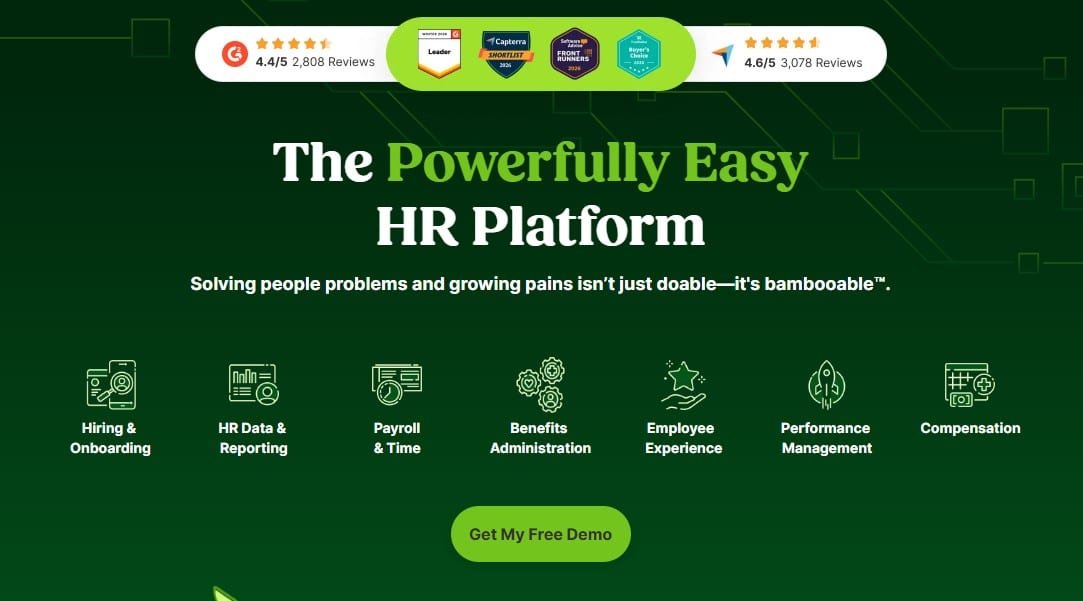
BambooHR is the easiest sell in enterprise HR software — and that’s both a compliment and a warning. It’s genuinely well designed, employees actually use the self-service features without being forced to, and you can have it live in weeks rather than months. For a company scaling from 100 to around 500-800 employees, it’s often the right call.
The platform handles core HR, time off management, e-signatures, onboarding workflows, performance reviews, and basic applicant tracking. In 2024, BambooHR overhauled its plan structure and added an Elite tier targeting the mid-market, sitting above its Core (~$10 PEPM) and Pro (~$17 PEPM) plans. Payroll, benefits administration, and time tracking are all paid add-ons — so the headline price understates what most companies actually pay by 30-50% once you add the modules you actually need. The reporting is clean and accessible. The UI is by far the most user-friendly on this list.
Here’s the honest problem:
BambooHR is not built for large enterprises. Payroll is US-only and available as an add-on. There’s no native global payroll, no advanced workforce planning, no sophisticated compensation management, and no deep learning management system. If your company grows past 1,000 employees or expands internationally, you’ll hit the ceiling and face a migration to a more complex system. That migration is painful. Build this into your planning now.
| ✔ Pros | ✘ Cons |
| Best-in-class user experience | Not built for enterprises above ~800-1000 employees |
| Fast implementation (weeks, not months) | US-only payroll, no global capability |
| Strong employee self-service adoption | Limited workforce planning and analytics depth |
| Excellent mobile app | Performance management features are basic |
| Good value for mid-market | You’ll likely migrate away as you scale |
Best for: Companies of 50-800 employees that want simplicity, fast deployment, and high employee adoption. Not a long-term fit for large enterprises.
8. Rippling
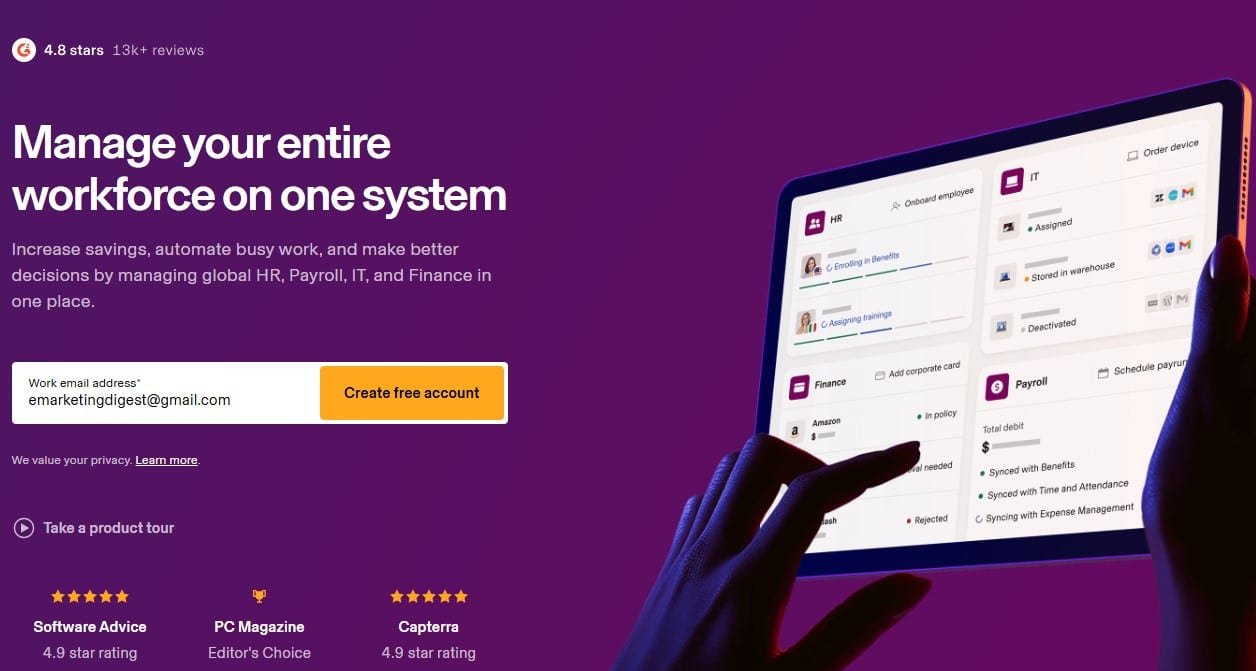
Rippling is doing something genuinely different. While every other HR platform is trying to add IT capabilities as an afterthought, Rippling was architected from the start to unify HR and IT management in a single system. You can onboard an employee in Rippling and automatically provision their laptop, set up their email, grant access to 50 SaaS apps, add them to the right Slack channels, and enroll them in payroll — all from one workflow. You can offboard them just as cleanly.
For fast-growing tech companies and distributed organisations managing a complex software stack, this is not a novelty feature — it’s a genuine operational efficiency.
Rippling has also expanded aggressively into global payroll, employer of record (EOR) services, benefits, learning, and spend management. The ambition is to be the operating system for your entire workforce, not just an HR database.
The realistic assessment:
Rippling is still a relatively young company compared to Workday or ADP, and some modules feel earlier-stage than others. Global payroll is expanding but not yet as mature as ADP or Workday in complex multi-country scenarios. The depth of analytics and workforce planning is not yet at the level of more established enterprise players. And the per-module pricing model can add up — do the maths carefully before you assume it’s cheaper than alternatives.
| ✔ Pros | ✘ Cons |
| Unique HR + IT unification is genuinely valuable | Some modules still maturing vs. established competitors |
| Fast implementation with strong automation | Module-based pricing can escalate |
| Expanding global payroll footprint | Global payroll less mature than Workday/ADP for complex scenarios |
| Outstanding onboarding/offboarding automation | Workforce analytics less deep than pure-play analytics tools |
| Modern, clean UX throughout | Best fit for tech-forward organisations — can feel over-engineered for traditional industries |
Best for: Tech companies, fast-growing startups scaling to mid-enterprise, and distributed organisations where HR and IT management convergence is a real operational need.
9. Personio
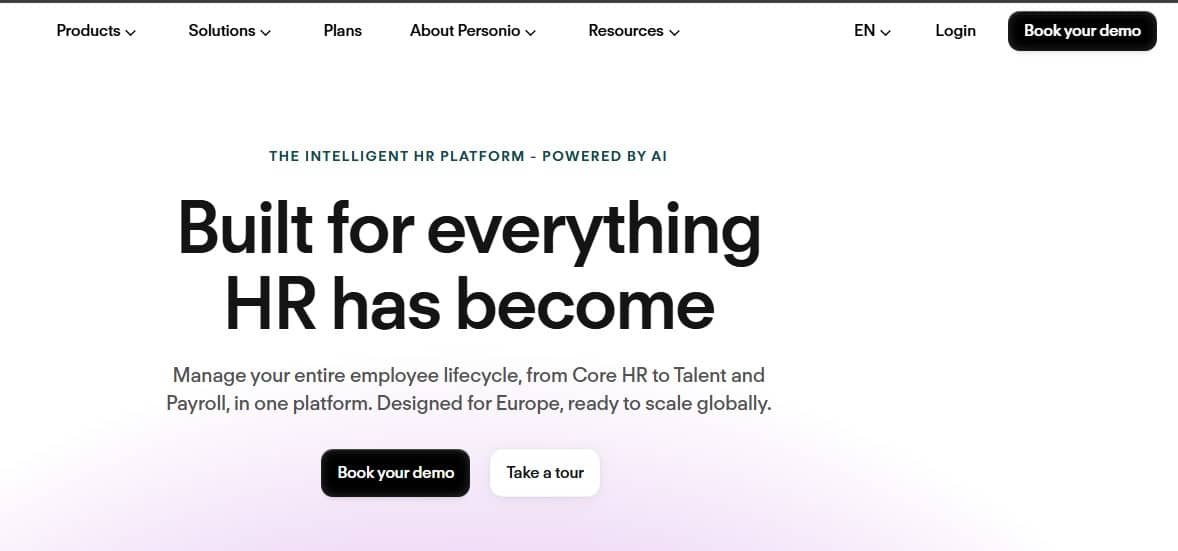
Personio is the dominant HR platform for European SMEs and mid-market companies, and for good reason. It was built for the European market — GDPR compliance is baked in rather than bolted on, European payroll integrations are native, and the support team actually understands German, French, Spanish, and UK employment law rather than treating it as an exotic edge case.
If your primary operations are in Europe and you’re currently managing HR across spreadsheets and email, Personio will feel like a revelation. Core HR, recruiting, onboarding, time tracking, absence management, payroll (in key European markets), and basic performance management — all in one clean interface.
The honest limitation is scale. Personio is most competitive in the 50-2,000 employee range. Very large enterprises, particularly those with US headquarters or significant US operations, will find the platform doesn’t match the depth of Workday or SAP. But for a 300-person company headquartered in Munich or Amsterdam, it’s frequently the best tool for the job.
| ✔ Pros | ✘ Cons |
| Built natively for European compliance and payroll | Less competitive for large enterprises (2,000+) |
| GDPR-first architecture | US payroll and compliance depth limited |
| Clean, user-friendly interface | Talent management features less advanced than US competitors |
| Strong customer support in European languages | Scaling beyond Europe gets complex |
| Good value for European mid-market | Some workflow automation limits at enterprise scale |
Best for: European companies from 50-2,000 employees seeking a native European HR platform.10. HiBob (Bob)
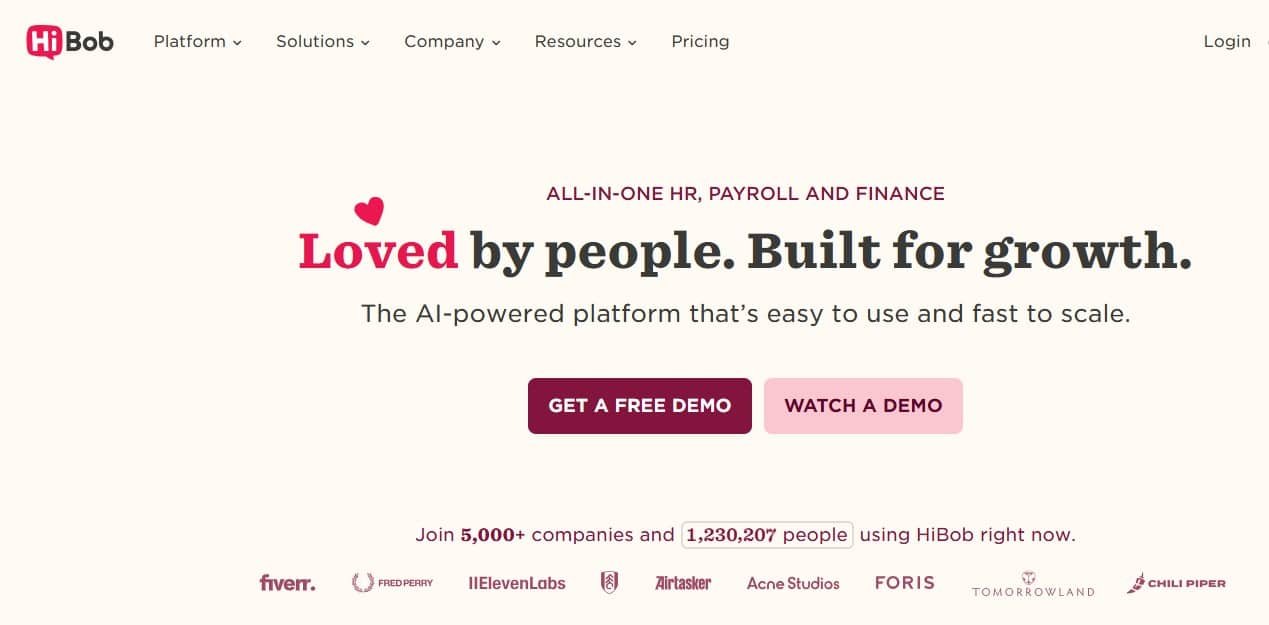
HiBob, branded as “Bob,” has built a genuinely distinctive product in a crowded market. Where most HR systems feel like databases with a UI layer on top, Bob feels like it was designed by people who thought about what HR work actually looks like day-to-day in a modern, culture-conscious company.
The platform covers core HR, onboarding, time and attendance, payroll (in certain markets, with partners elsewhere), performance and OKR tracking, compensation management, and a notably strong engagement and culture toolkit. The workforce analytics and people data reporting are also genuinely good — better than you’d expect for a platform at this price point.
Bob is particularly popular with companies between 200 and 2,000 employees that are scaling fast, have a distributed or hybrid workforce, and place high importance on employee experience. Technology, media, and professional services companies dominate the customer base.
A notable 2026 development: HiBob launched native US payroll (powered by Gusto’s engine) with general availability from January 2026 — previously a gap that pushed US-based customers toward separate payroll providers. The platform also acquired Mosaic (a financial planning tool) in 2025, adding Bob Finance for integrated headcount planning and budgeting, and launched Bob Hiring (a native ATS) and Bob Learning. It’s one of the most actively developed platforms on this list right now.
| ✔ Pros | ✘ Cons |
| Outstanding UX and employee experience | US payroll only recently launched — still maturing vs. established payroll providers |
| Strong culture and engagement tooling | Less suitable for very large enterprises |
| Good people analytics for mid-market | Workforce management less deep than Dayforce or UKG |
| Native US payroll launched Jan 2026 (powered by Gusto) | Some integrations require Zapier or middleware |
| Works well for global, distributed teams | Less name recognition in procurement processes vs. enterprise stalwarts |
Best for: Scaling companies of 200-2,000 employees in tech, media, and professional services that prioritise culture, engagement, and modern UX.11. Sage People
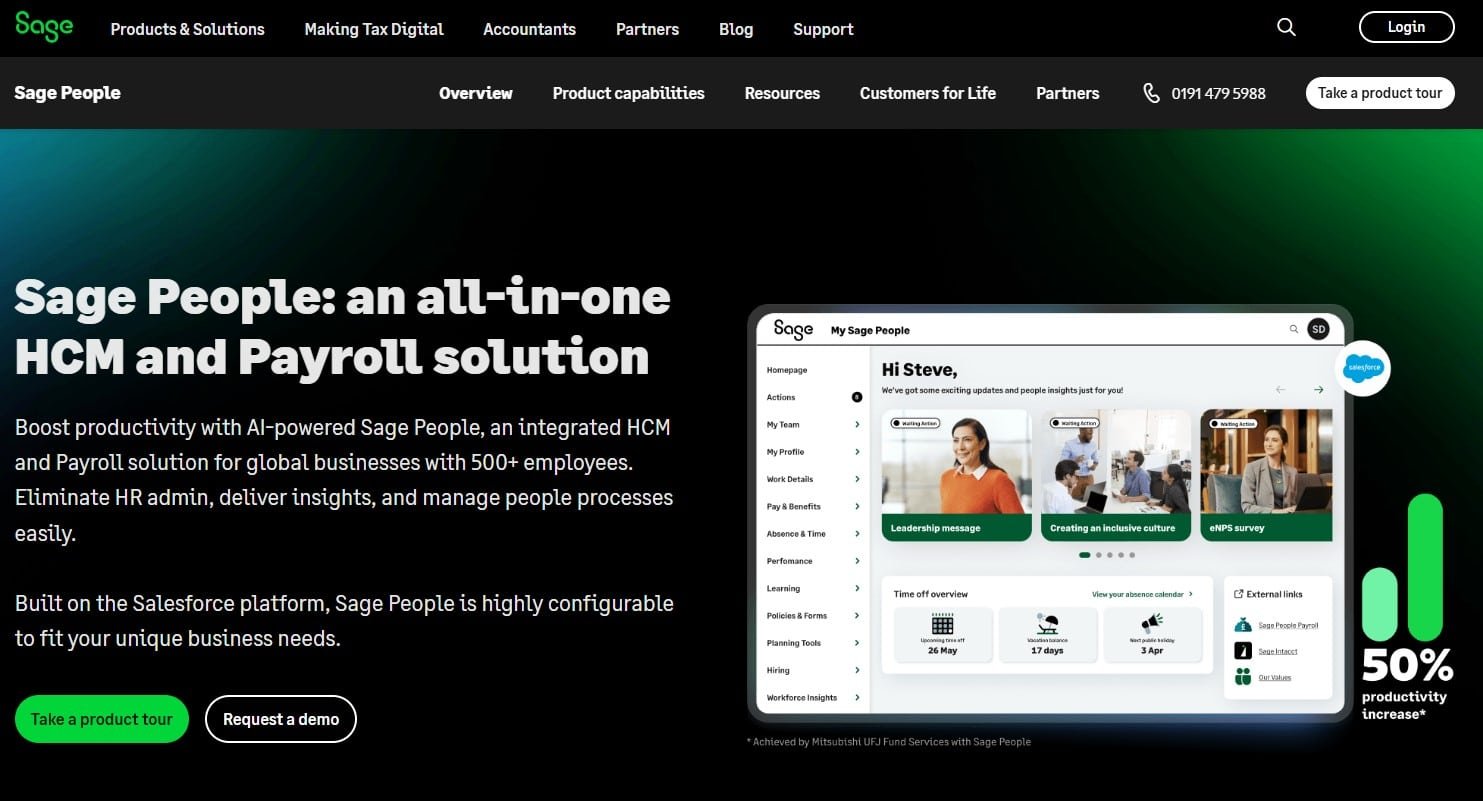
Sage People (built on the Salesforce platform) is an underrated option for global mid-market organisations — typically 200 to 5,000 employees — who need international HR capability without the cost and complexity of Workday or SAP. Because it sits on Salesforce, organisations already in the Salesforce ecosystem find integration with CRM, service cloud, and other business processes notably easier than with standalone HR platforms.
The data model is highly flexible, which is genuinely useful for organisations with complex workforce structures — different employment types, multiple legal entities, varying country configurations. It’s not the most intuitive platform to administer, but for technically capable HR teams, the flexibility is a real advantage.
| ✔ Pros | ✘ Cons |
| Built on Salesforce — strong integration for Salesforce-heavy orgs | Less intuitive than BambooHR or Bob for general users |
| Flexible data model for complex workforce structures | Requires Salesforce licensing and knowledge |
| Good global coverage for mid-enterprise | Talent management modules less mature than dedicated tools |
| Configurable workflows without heavy IT dependence | Smaller market presence means fewer community resources |
| Strong reporting via Salesforce ecosystem | UX not as modern as newer entrants |
Best for: Global mid-market organisations (200-5,000 employees) already in the Salesforce ecosystem.12. Cornerstone OnDemand
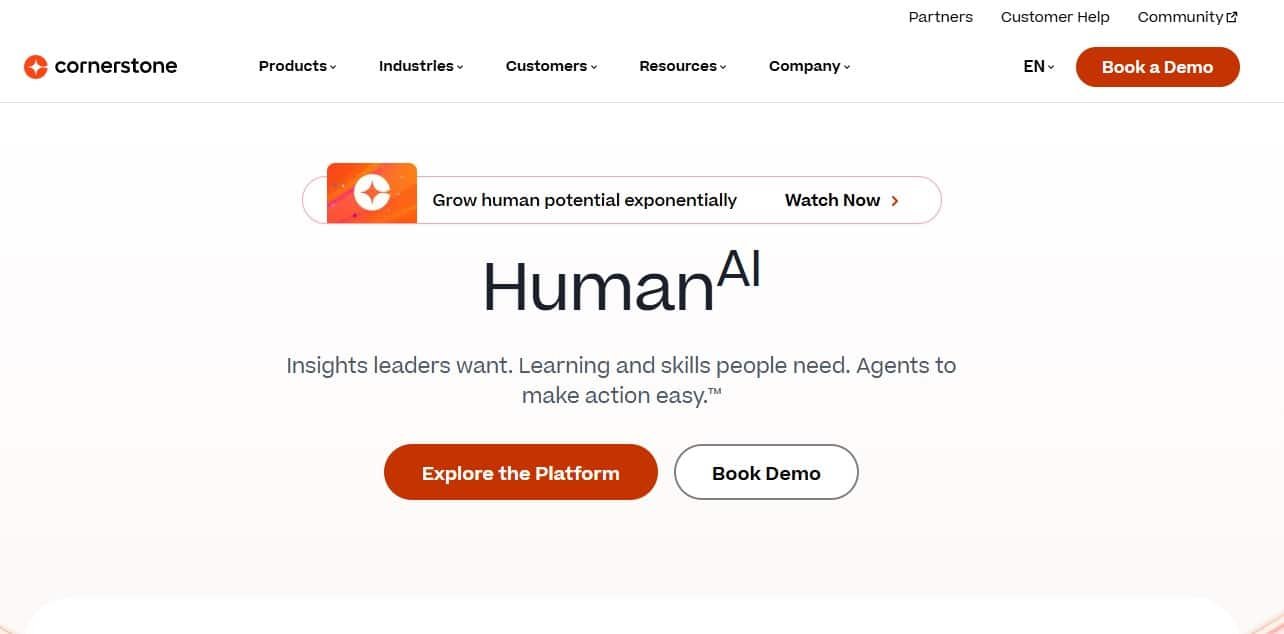
If your primary HR investment driver is learning and development — building skills, reskilling workforces, tracking certifications, running compliance training at scale — Cornerstone OnDemand belongs near the top of your shortlist. Its LMS (learning management system) and talent development capabilities are among the most mature in the market, with roots in compliance training for large regulated industries.
The Cornerstone Learning suite handles everything from SCORM/xAPI content delivery to skills frameworks, external learning integrations, and AI-driven learning recommendations. The extended enterprise features (training external partners, customers, and contractors) are also best-in-class.
Cornerstone’s strength is talent and learning; its core HR capabilities are less competitive. Many organisations use Cornerstone as a talent layer on top of a payroll-and-core-HR system like ADP or Workday rather than as a standalone HCM platform. That’s a viable architecture, but it adds integration work and cost.
| ✔ Pros | ✘ Cons |
| Best-in-class LMS and learning content delivery | Core HR less competitive than dedicated HCM platforms |
| Strong compliance training tooling for regulated industries | Often deployed as a bolt-on rather than standalone HCM |
| Mature skills and talent development framework | UX can feel dated in some modules |
| Extended enterprise learning (external parties) is excellent | Pricing model can be complex |
| AI-driven learning recommendations are genuinely useful | Implementation requires significant content strategy work to get ROI |
Best for: Large organisations where L&D and skills development is a strategic priority — especially regulated industries like financial services, pharma, and healthcare.13. ServiceNow HR Service Delivery
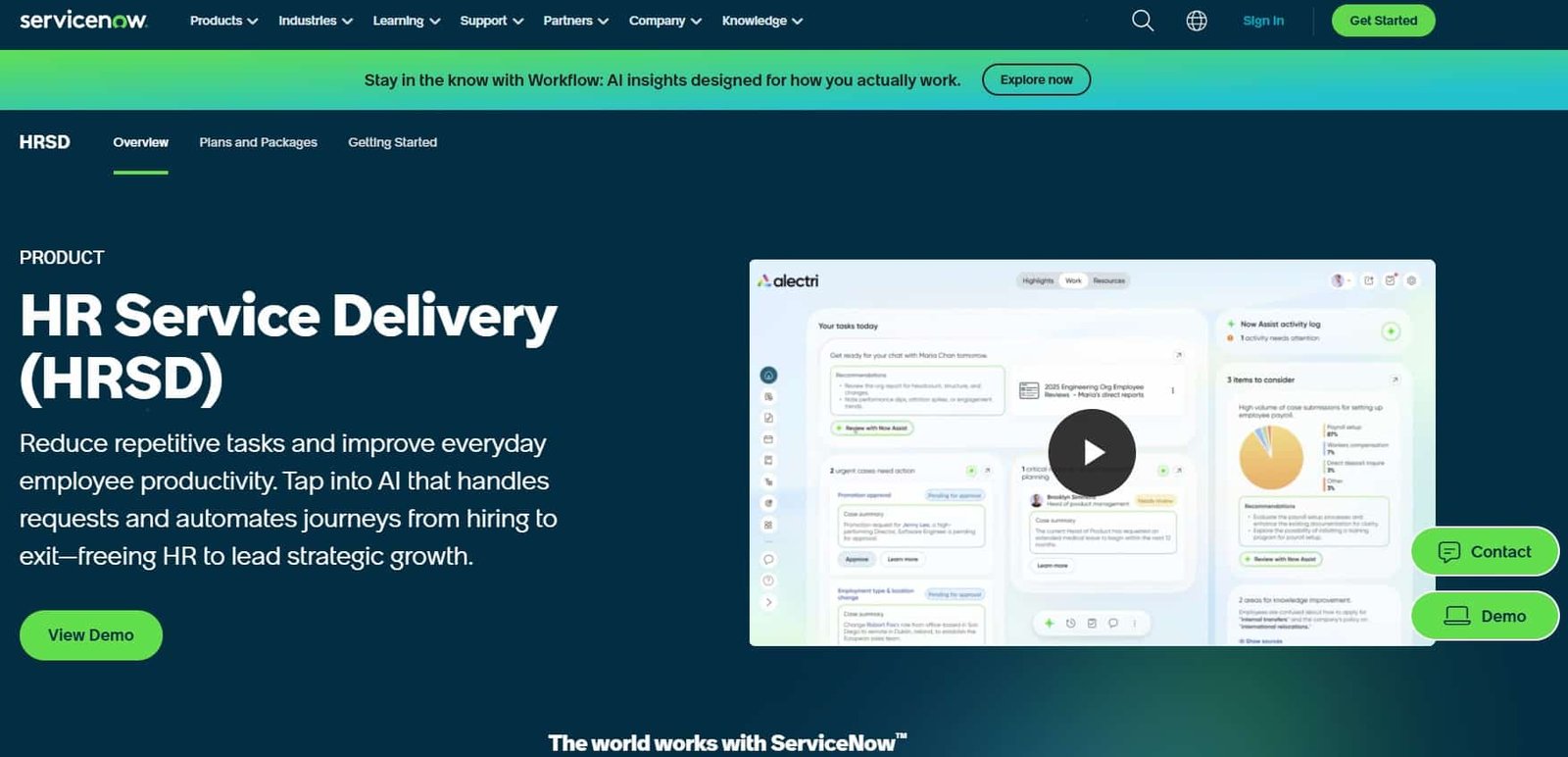
ServiceNow HR Service Delivery isn’t a conventional HCM platform — and it’s important to understand this distinction. ServiceNow doesn’t replace your HRIS; it transforms how HR service is delivered to employees. Think of it as the service management layer on top of your core HR system.
If your organisation already runs ServiceNow for IT service management, the case for extending it to HR is compelling. Employee cases, HR requests, onboarding workflows, knowledge base articles, and service catalogue items all live in the same system your employees already use for IT requests. The result can be a dramatic improvement in HR service consistency, tracking, and SLA management.
For large enterprises — particularly those with shared services centres or where HR is managing high volumes of employee queries — ServiceNow HR can transform operational efficiency in ways that traditional HCM platforms simply can’t.
| ✔ Pros | ✘ Cons |
| Excellent HR service delivery and case management | Not a standalone HCM — requires a separate HRIS |
| Seamless if ServiceNow already in use for ITSM | Expensive for what is essentially a service layer |
| Powerful workflow automation | Implementation requires ServiceNow-certified resources |
| Strong SLA tracking and reporting | Less relevant if not already in the ServiceNow ecosystem |
| Employee experience portal is genuinely good | HR teams without IT background can find configuration challenging |
Best for: Large enterprises already on ServiceNow looking to extend employee service delivery with HR case management and workflow automation.14. Namely
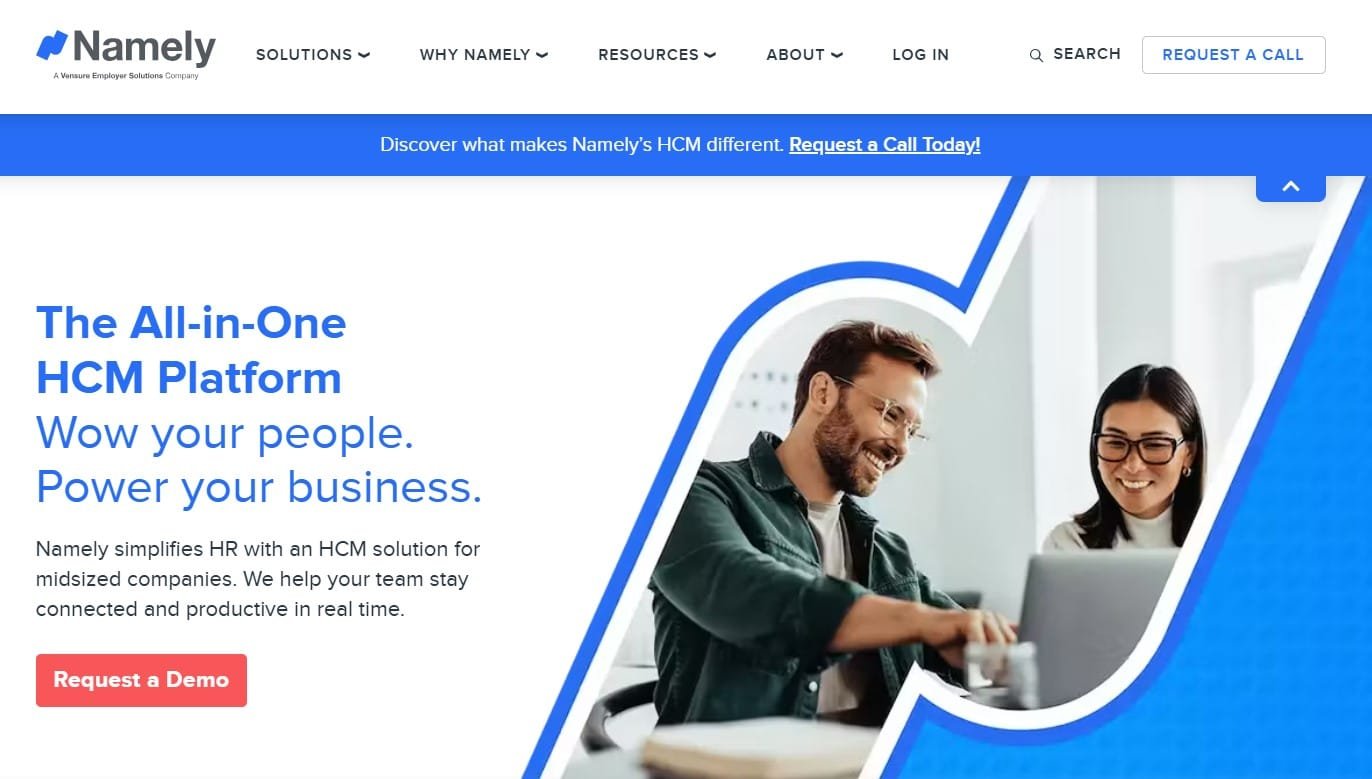
Namely is a US-focused HR platform targeting the 50-1,000 employee mid-market. It combines core HR, payroll, benefits administration, time management, and a built-in ATS in a single product. The onboarding experience is clean, the social feed feature (employees can share updates and recognitions) adds some culture-building capability, and the benefits administration is genuinely strong for US employers.
The honest picture: Namely has faced some turbulence over the years — executive changes, investment cycles, strategic pivots — and some customers have experienced product development slowing during those periods. It remains a viable option for US-only mid-market companies, but for large enterprises or organisations with significant international operations, it’s not the right tool.
| ✔ Pros | ✘ Cons |
| All-in-one for US mid-market (HR + payroll + ATS + benefits) | US-only — no meaningful international capability |
| Clean UI with reasonable adoption rates | Talent management depth limited |
| Strong US benefits administration | Reporting could be more powerful |
| Good self-service experience | Not suited for enterprises above ~1,000 employees |
| Responsive customer support for core accounts | Product development pace has been inconsistent historically |
Best for: US-only companies of 100-700 employees seeking an all-in-one platform without enterprise complexity.15. Greenhouse
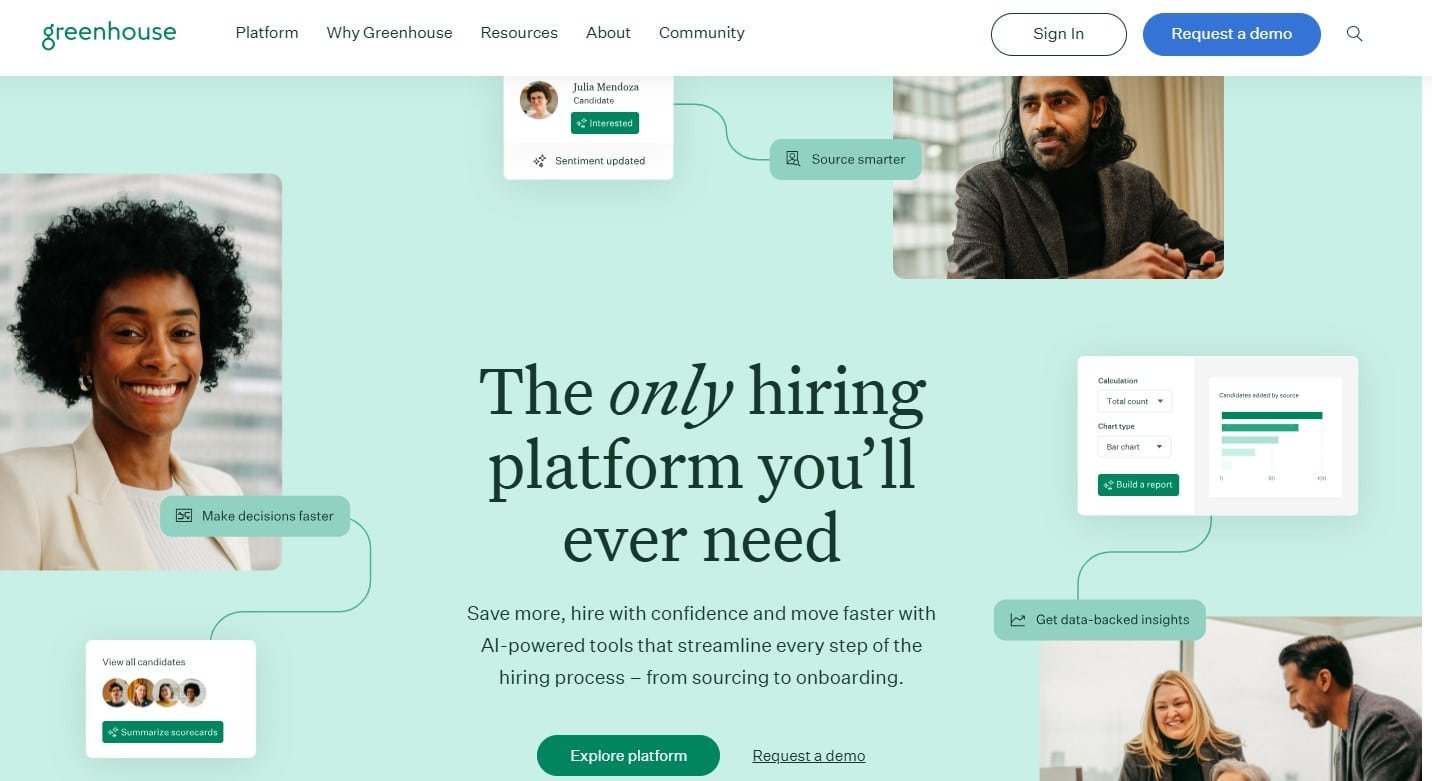
Greenhouse is not an HCM platform. It does one thing — recruiting — and it does it better than nearly anyone else. If talent acquisition is your most pressing HR challenge, and you’re willing to integrate Greenhouse with a separate HRIS for everything else, the results can be exceptional.
The structured hiring methodology built into Greenhouse (scorecards, interview kits, job-specific hiring plans) is more than a software feature — it’s an approach to hiring that reduces bias, improves consistency, and makes it easier to scale recruiting without degrading quality. The analytics and reporting on pipeline, source efficiency, time-to-hire, and interviewer effectiveness are outstanding.
The trade-off is obvious: you need a separate HRIS, which means integration work and two vendor relationships. For companies where recruiting is the primary bottleneck and they already have a solid HRIS in place, this is the right trade-off. For companies starting from scratch and wanting a single platform, a more comprehensive HCM makes more sense.
| ✔ Pros | ✘ Cons |
| Best-in-class structured hiring methodology | Recruiting-only — requires a separate HRIS |
| Outstanding pipeline analytics | Pricing reflects premium market position |
| Strong DEI reporting and inclusive hiring features | Can feel over-engineered for low-volume hiring |
| Wide integration ecosystem (HRIS, LinkedIn, background check, etc.) | Integration setup requires IT involvement |
| Excellent for high-volume technical hiring | Not suitable as a standalone HR platform |
Best for: Companies of any size where recruiting is the strategic priority and they already have or are selecting a separate HRIS.What Actually Matters When Choosing an HR System for a Large Organisation
Pricing: What You’ll Actually Pay
Almost every enterprise HR platform on this list uses custom pricing. The published rates (where they exist) are starting points, and the actual contract value depends on employee count, modules selected, implementation services, support tier, and how skilled your procurement team is at negotiating.
Here are some honest benchmarks based on market observation:
- Workday typically runs $34-42 per employee per month at scale, with enterprise first-year totals (software + implementation + change management) commonly reaching $4M-6M for large organisations.
- SAP SuccessFactors runs $28-38 PEPM for the full suite, with implementation fees of $100K-$2M+ depending on deployment size. Critically, SAP licenses every employee in your organisation, not just active users — which inflates cost in ways buyers often don’t model upfront.
- ADP Workforce Now and Ceridian Dayforce are closely competitive, typically $16-25 per employee per month for mid-to-large deployments. ADP often offers lower implementation fees; Dayforce often offers better real-time payroll architecture.
- UKG Pro runs $22-40+ per employee per month for full enterprise workforce management. The wide range reflects significant variation in workforce complexity and module selection.
- Mid-market platforms like BambooHR ($10-22 PEPM), HiBob ($16-25 PEPM), and Rippling (from $8 PEPM, rising with modules) are considerably more accessible but have meaningful ceiling limitations for large enterprises.
| The real cost nobody talks about The software subscription is usually not the biggest cost. For enterprise systems, implementation services, training, change management, internal resource time, and ongoing administration often exceed the first-year software cost. A $500K/year Workday contract might come with $1.5M in implementation fees and require two full-time Workday administrators to run well. Build the full picture before comparing platform costs in isolation. |
Integration and Collaboration
Enterprise HR systems don’t live in isolation. You need them to connect with payroll processors, benefit carriers, equity management platforms, collaboration tools (Microsoft 365, Google Workspace, Slack), expense management systems, and dozens of other tools in your stack.
Most enterprise platforms offer pre-built connectors to common tools, but the quality of these integrations varies enormously. Some are real-time, bi-directional, well-maintained integrations. Others are flat-file transfers that run overnight and require babysitting. Before you sign a contract, map your critical integrations and test them during the evaluation — don’t rely on the vendor’s integration catalogue as a reliable guide to what actually works.
Workday and ServiceNow have the deepest integration ecosystems. Rippling and BambooHR have focused specifically on making integrations simple and reliable. SAP and Oracle are strong if you’re already in those ecosystems but can be challenging for non-native integrations.
Email and Communication Hosting
This comes up more than you’d think: several HR platforms now include or integrate with workplace communication tools, and buyers sometimes confuse the HR platform’s scope with broader productivity suite decisions.
To be direct: your HR system and your email/communication platform are separate decisions. Workday, ADP, and Dayforce don’t host email. What they do is integrate with Microsoft 365 or Google Workspace for things like calendar sync, document management, and org chart data.
Rippling is the notable exception — it can provision and manage Google Workspace or Microsoft 365 accounts as part of its IT management layer, automating email account creation, group assignments, and deprovisioning as part of the HR workflow. For organisations that want true HR-IT convergence, this is a genuine differentiator.
Productivity and Employee Self-Service
One of the clearest signs of a good HR system is how employees interact with it without being forced to. Self-service for payslips, time-off requests, benefits enrolment, expense claims, and personal data updates should feel like a consumer app, not a government portal from 2008.
By this measure, BambooHR and HiBob consistently lead. Workday’s self-service has improved significantly. ADP Workforce Now has a functional but utilitarian self-service experience. SAP SuccessFactors has historically been weakest here but has invested in improving Employee Central.
Mobile capability matters too. Frontline and deskless workers interact with HR systems almost exclusively via mobile. Platforms built with desktop-first thinking often have mobile apps that work but don’t delight. Dayforce, UKG, and Rippling tend to score better on mobile for shift workers.
Frequently Asked Questions
What is the best HR system for a large company?
For most large enterprises (1,000+ employees, global operations), Workday HCM is the leading choice based on market adoption, functionality breadth, and analyst recognition. However, ‘best’ depends heavily on your industry, geography, existing tech stack, and budget. SAP SuccessFactors is often the better choice for SAP-centric organisations. Ceridian Dayforce and UKG Pro are frequently better choices for companies with complex shift-based workforces. There is no universal answer.
How much does enterprise HR software cost?
For large enterprises, expect total first-year costs (software + implementation) in the range of $1M to $5M+ for platforms like Workday, SAP, or Oracle. Annual ongoing software costs for 1,000 employees typically run $250K-600K for enterprise platforms, though this varies widely. Mid-market platforms (BambooHR, Bob, Rippling) cost significantly less — often $100K-300K/year for 1,000 employees — but may not meet enterprise requirements.
Can HR systems replace email for internal communication?
No, HR systems are not email replacement tools. They typically integrate with your existing email platform (Microsoft 365 or Google Workspace) to enable features like calendar sync, document sharing, and automated notifications. Rippling is the most advanced in managing the provisioning of email accounts, but even it doesn’t replace email as a communication tool.
What’s the difference between an HRIS, HCM, and HRMS?
These terms are often used interchangeably but have technical distinctions. An HRIS (Human Resource Information System) is primarily a database — it stores employee data. An HRMS (Human Resource Management System) adds process management — workflows, automation, time tracking. An HCM (Human Capital Management) platform is the broadest term, encompassing talent acquisition, talent management, workforce planning, learning, and analytics in addition to core HR and payroll. In practice, most enterprise platforms today market themselves as HCM.
How long does enterprise HR software implementation take?
For large enterprise platforms like Workday, SAP SuccessFactors, or Oracle HCM, expect 12-24 months for a full implementation. Mid-market platforms like Dayforce or UKG Pro typically take 6-12 months. BambooHR, Rippling, and Bob can often be deployed in 4-12 weeks for core functionality, though complex configurations take longer. Implementation timelines are consistently underestimated. Build in a buffer.
Which HR system is best for global companies?
For global enterprises needing native multi-country payroll, Workday, ADP, and Ceridian Dayforce have the broadest coverage. For European operations specifically, Personio is often the most practical choice for mid-market organisations. SAP SuccessFactors is a strong choice for global enterprises already in the SAP ecosystem. Always verify specific country coverage before committing — global payroll claims in vendor materials can be optimistic about the depth and maturity of coverage in specific markets.
Is BambooHR good for large companies?
BambooHR is an excellent product, but it’s not designed for large enterprises. Most organisations above 800-1,000 employees or with international operations will outgrow it. If you’re a 300-person company using BambooHR and it’s working well, that’s great — but build a migration plan now rather than waiting until the pain forces the issue.
Conclusion: How to Make the Right Call
Choosing an HR system for a large organisation is one of the higher-stakes technology decisions you’ll make. The software will touch every employee in the business, the implementation will consume significant budget and management attention, and you’ll typically live with the decision for 5-10 years before the next major change.
A few principles to take into your evaluation:
- Don’t evaluate platforms in isolation from implementation. The software cost is often the smallest part of the total investment.
- Be honest about your organisation’s technical capability. A powerful platform that requires dedicated administrators to maintain is only as good as your ability to resource those roles.
- Prioritise the use cases that are actually pain points today, not the ones that sound impressive in a demo. Most HR teams use 40-60% of the functionality in any platform they buy.
- Run a structured RFP and insist on a demo with your actual data — or at least data that closely resembles your workforce. Generic demos are designed to make every platform look good.
- Talk to reference customers who are at least 18 months post go-live. The picture you get 12 months into implementation is very different from the picture at month 6.
The HR technology market is genuinely better than it was a decade ago. Platforms are more capable, easier to use, and more open to integration. But the fundamental challenge remains the same: finding the right balance between capability, usability, cost, and organisational readiness. The best HR system is not necessarily the most powerful one — it’s the one your organisation will actually deploy, adopt, and use well.
Some links in this guide are affiliate links, meaning I earn a commission if you end up signing up through them. The assessments aren’t influenced by that — a platform that’s a bad fit for your organisation is a bad fit, full stop.