Not too long ago, the idea of an algorithm drafting a compelling blog post, generating a professional-grade image from a text prompt, or editing an entire podcast episode in minutes would have sounded like science fiction. Today, it’s a Tuesday morning for thousands of content creators, digital marketers, and solo entrepreneurs around the world.
The AI content creation landscape has exploded. There are now hundreds of tools designed to help you ideate faster, write better, design quicker, and produce more — often in a fraction of the time it used to take. But with so many options competing for your attention (and your subscription budget), how do you know which ones are actually worth using?
That’s exactly what this guide is designed to address. We’ve researched, compared, and evaluated a wide range of leading AI content production tools to bring you a thoughtfully curated selection that supports different stages of the content creation process. Whether you’re an experienced content strategist or just getting started, you’ll find options here that can fit naturally into your workflow.
This is not just another generic roundup. Alongside well-known platforms, we’ve also highlighted several lesser-known but highly capable tools that deserve more attention. For each tool, you’ll find a clear, straightforward explanation of what it does, its key features, guidance on how to get started, and a balanced overview of its strengths and limitations..
A quick note on organization: We've grouped tools into six functional categories so you can jump directly to what matters most to your workflow. Let's get into it.
aI tools for content creation
Surferseo
Enrich your content strategy with data-driven insights.
- Optimize content with AI-driven SEO recommendations
- Analyze competitors to uncover ranking opportunities
- Track keyword performance and SERP changes
Make
Automate workflows and streamline business processes.
- Connect and automate unlimited apps without coding
- Save hours with recurring task automation
- Gain real-time insights with integrated reporting
Part 1: AI Writing & Copywriting Tools
Writing is still the backbone of most content strategies. These tools help you go from blank page to polished draft faster than ever.
1 chat.openai.com – Mainly Writing
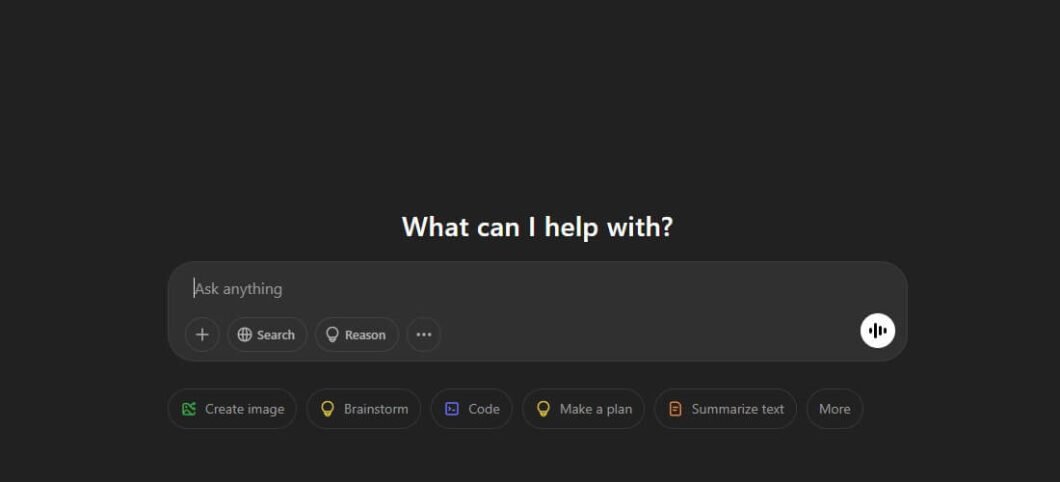
If there’s one tool that put AI content creation on the map for everyday users, it’s ChatGPT. Built by OpenAI and powered by the GPT-4o model, ChatGPT is a conversational AI assistant capable of generating long-form content, answering complex questions, summarizing documents, writing code, translating text, and much more. It’s the Swiss Army knife of AI tools — and for most creators, it’s the logical starting point.
ChatGPT’s strength lies in its versatility. Unlike many purpose-built writing tools, it doesn’t lock you into templates. You can have a full dialogue with it — ask follow-up questions, request rewrites in different tones, or ask it to make content shorter or more technical — and it adapts in real time. The GPT-4o model also supports image inputs, so you can upload a graphic and ask it to write copy based on what it sees.
Key Features
- Long-form content generation (blog posts, essays, reports)
- Custom GPTs: build your own specialized AI assistant
- Memory feature for personalized, context-aware conversations
- Code Interpreter for data analysis and chart creation
- File upload and document summarization (PDF, DOCX)
- Real-time web browsing for up-to-date information
How to Use It (Beginner-Friendly)
Head to chat.openai.com and sign up for a free account. Type a clear, detailed prompt — for example: “Write a 600-word blog introduction about the benefits of intermittent fasting for busy professionals. Use a conversational tone and open with a rhetorical question.” The more context you give it, the better the output. Iterate freely — ask it to rewrite, shorten, or change the tone until it’s right.
✅ Pros
- Large community with shared prompts & workflows
- Extremely versatile — handles nearly any content type
- Free tier available; GPT-4o on Plus ($20/month)
- Constant improvements from OpenAI
❌ Cons
- No native SEO or brand consistency features
- Generic output without detailed prompting
- Free tier has usage limits at peak hours
2 – jasper.ai – Writing
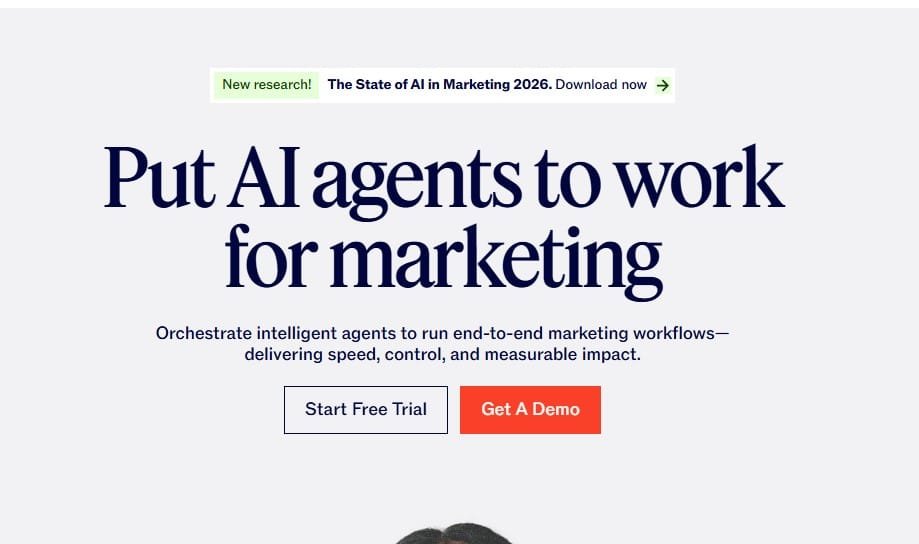
Jasper AI is one of the most mature and feature-rich AI writing platforms built specifically for marketing teams and content professionals. Where ChatGPT is a generalist, Jasper is laser-focused on helping brands produce consistent, on-brand content at scale. If you manage a content team or produce a high volume of marketing material, Jasper is built for you.
Jasper’s standout feature is its Brand Voice capability. You can feed Jasper your brand guidelines, tone-of-voice documents, and example copy — and it will generate new content that actually sounds like your brand. It also integrates natively with Surfer SEO, combining AI writing with real-time on-page optimization.
Key Features
- 50+ content templates (ads, emails, blog posts, video scripts)
- Brand Voice technology for consistent on-brand output
- Native Surfer SEO integration for optimized articles
- Team collaboration with role-based access
- Jasper Chat for conversational content creation
- Campaign mode: multi-channel content from one brief
How to Use It
After signing up at jasper.ai, configure your Brand Voice by pasting sample content from your website. Then choose a template — e.g., “Long-Form Blog Post” — enter your topic and keyword, and let Jasper generate a first draft. Toggle the Surfer SEO panel to optimize keyword density and structure before publishing.
✅ Pros
- Strong template library
- Purpose-built for marketing content at scale
- Brand Voice is genuinely impressive
- Powerful team and workflow features
❌ Cons
- Can produce repetitive phrasing on long docs
- Expensive — starts at $39/month
- Learning curve for new users
3 copy.ai Writing

Copy.ai carved out a strong niche as the go-to AI writing tool for short-form marketing copy — think ad headlines, email subject lines, product descriptions, and social media posts. It’s particularly beloved by e-commerce entrepreneurs and social media managers who need rapid-fire copy without a steep learning curve.
Copy.ai’s Workflows feature is what sets it apart. You can build multi-step automated pipelines — for example, pull a product URL, generate five variations of ad copy, rewrite each in a different tone, and export to a spreadsheet — all without writing code. This makes it one of the most automation-friendly tools in the writing space.
Key Features
- 90+ copywriting templates
- Infobase: store brand info, products, and tone guidelines
- Workflows: no-code automation for content pipelines
- Multi-language support (25+ languages)
- Chat interface for back-and-forth content refinement
- Team workspace for collaborative copy creation
✅ Pros
- Very user-friendly interface
- Generous free plan available
- Excellent for short-form and e-commerce copy
- Workflows feature is genuinely powerful
❌ Cons
- Workflows need technical knowledge to maximize
- Long-form quality lags behind Jasper and ChatGPT
4 sudowrite.com Fiction Writing
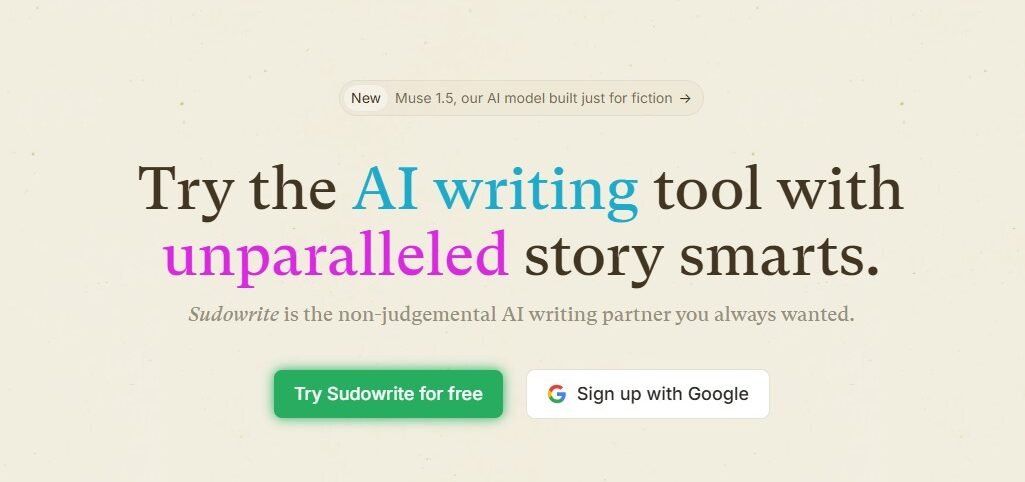
Most AI writing tools are built for marketing. Sudowrite was built for storytellers — novelists, screenwriters, short-story authors, and anyone who creates narrative fiction. It’s one of the most overlooked AI writing tools in mainstream “best of” lists, and that’s a shame, because it does things no other tool can.
Sudowrite’s “Describe” feature generates richly sensory descriptions of scenes, characters, and settings — touching on sight, sound, smell, taste, and touch simultaneously. Its “Story Engine” walks you through a structured story development process from premise to finished chapters. If you write fiction, this is your tool.
Key Features
- Story Engine: guided novel writing from concept to draft
- Describe: multi-sensory scene and character descriptions
- Brainstorm: plot twists, character arcs, scene ideas
- Shrink/Expand: condense or develop passages
- Canvas: visual story planning board
- Rewrite: stylistically distinct alternatives for any passage
✅ Pros
- Affordable — starts around $19/month
- Uniquely suited to fiction — nothing else like it
- Story Engine provides genuine structural guidance
- Helps writers break through creative blocks
❌ Cons
- AI prose still needs editing to feel truly original
- Not useful for marketing or technical content
5. Claude.ai
Claude.ai is Anthropic’s flagship AI assistant — and arguably the most thoughtful, nuanced writing partner available today. While ChatGPT dominates the headlines, Claude has quietly built a reputation among professional writers, researchers, and content strategists who need more than generic output. Claude’s outputs tend to be more structured, contextually aware, and tonally consistent — especially on complex or sensitive topics.
What genuinely separates Claude is its 200,000-token context window, meaning you can feed it an entire book manuscript, a full content strategy document, or a lengthy research report and ask it to work with the whole thing at once. No other mainstream writing AI handles long-context tasks this gracefully. Its ability to follow nuanced style instructions across a long document is exceptional.
Key Features
- 200K token context window — handles entire documents in one session
- Projects: persistent memory and instructions across conversations
- Artifact creation: generate and preview formatted documents, code, and reports
- Strong reasoning and structured analysis for research-heavy content
- Consistent tone adherence across long-form content
- Available via web, mobile, and desktop apps
✅ Pros
- Free tier available; Pro at $20/month
- Superior long-form consistency and document-level reasoning
- Excellent at following complex, multi-part instructions
- Less likely to hallucinate confidently — more honest about uncertainty
❌ Cons
- Smaller third-party ecosystem than ChatGPT
- No native SEO integration
- Doesn’t browse the web on free tier
6. Lex
Lex is a distraction-free AI writing editor built specifically for long-form thinkers — essayists, newsletter writers, journalists, and non-fiction authors. It strips away everything that doesn’t serve the writing process and bakes AI assistance directly into a clean word processor that feels closer to a Google Doc than a prompt interface.
What makes Lex stand out is its “Ask Lex” inline feature: you write until you’re stuck, hit a keyboard shortcut, and Lex continues your thought — matching your voice, style, and argument rather than generating something generic. It learns from what you’ve already written in the document, not from a cold prompt.
Key Features
- Distraction-free writing environment with inline AI assistance
- Voice-matching continuation based on existing document content
- Feedback mode: AI critique of structure, argument, and clarity
- Document-level context for consistent style throughout
- Share and collaborate with a link
- Built-in version history
✅ Pros
- Affordable — free tier plus paid plans from ~$12/month
- Uniquely suited to essayists, journalists, and newsletter writers
- Voice-matching is noticeably better than generic writing tools
- Clean, focused interface reduces context-switching
❌ Cons
- Limited team/enterprise features
- Not built for short-form or marketing copy
- Smaller template library than Jasper or Copy.ai
7. Anyword
Anyword occupies a unique space in the AI writing world: it doesn’t just generate copy — it predicts how well that copy will perform before you publish it. Every piece of content Anyword generates comes with a Predictive Performance Score, trained on real conversion data from billions of ad impressions across Google, Facebook, and email campaigns.
This makes it particularly valuable for performance marketers and paid media teams. Instead of A/B testing four ad variations for two weeks, Anyword tells you upfront which headline is statistically most likely to convert — then generates better alternatives if the score is low.
Key Features
- Predictive Performance Score for every piece of generated copy
- Channel-specific optimization (Facebook Ads, Google Ads, email, landing pages)
- Brand Voice training from existing content
- Data-driven copy improvements with score feedback loop
- Blog Wizard for long-form content
- Continuous copy testing and optimization dashboard
✅ Pros
- Useful analytics dashboard for copy performance tracking
- Performance scoring is a genuine differentiator for paid media
- Strong for ad copy, email subject lines, and landing pages
- Brand Voice feature produces consistent output at scale
❌ Cons
- Long-form output quality is average compared to Jasper
- Performance scores are predictive, not guaranteed
- Starts at $39/month — not budget-friendly for solo creators
Part 2: AI Visual Content & Design Tools
Great content isn’t just words. These AI tools help you produce stunning visuals without a design degree or agency budget.
5 midjourney.com

Midjourney remains the gold standard for AI image generation, consistently producing the most visually stunning, aesthetically coherent images of any tool on the market. It’s used by graphic designers, brand marketers, indie game developers, and creative directors who need high-quality custom imagery without a stock photo subscription.
Unlike other image generators that can feel sterile, Midjourney has a distinctive aesthetic sensibility — it tends toward painterly, cinematic, and emotionally resonant compositions. Its Version 6 model produces photorealistic outputs genuinely difficult to distinguish from real photography. The Style Reference parameter (–sref) lets you maintain consistent visual aesthetics across all generated images.
Key Features
- State-of-the-art image quality across all styles
- Vary (Region) for targeted inpainting edits
- Zoom Out for extending image canvases
- Style Reference (–sref) for brand visual consistency
- Character Reference for consistent character depictions
- Web interface — no longer Discord-only
How to Use It
Go to midjourney.com and subscribe (from $10/month). In the Create tab, type a detailed prompt: “A minimalist product photo of a glass water bottle on white marble, soft diffused window light, editorial photography style.” Browse the four generated options, upscale your favorite, and download in full resolution.
✅ Pros
- Active community with shared prompt inspiration
- Best-in-class image quality available
- Style Reference ensures brand visual consistency
- Excellent for both photorealism and artistic styles
❌ Cons
- Text rendering in images still imperfect
- Subscription only — no free tier
- Requires learning prompt crafting for best results
6 firefly.adobe.com
Adobe Firefly is Adobe’s suite of generative AI tools built natively into Creative Cloud. What makes it stand out is that it was trained exclusively on licensed content — meaning outputs are commercially safe by design. For businesses, brands, and agencies, this is a massive differentiator that removes legal uncertainty.
Firefly’s Generative Fill feature (integrated into Photoshop) lets you select any area of an existing photo and replace or extend it with AI-generated content that seamlessly matches the surrounding image. This is arguably the most practically useful AI feature in professional design work today.
Key Features
- Generative Fill and Generative Expand in Photoshop
- Commercially safe — trained on licensed content
- Text Effects for typographic art
- Native integration with Photoshop, Illustrator & Express
- Structure Reference for consistent compositions
- Included in many existing Adobe CC plans
✅ Pros
- Included in many existing Adobe plans
- Commercially safe — trained on licensed content
- Generative Fill is revolutionary for photo editing
- Deep Creative Cloud integration
❌ Cons
- Firefly credits can deplete quickly
- Pure art quality slightly below Midjourney
- Requires Adobe CC subscription
7 Canva AI (Magic Studio)
Canva has evolved far beyond its roots as a simple drag-and-drop tool. The platform now features a comprehensive AI suite under the “Magic Studio” umbrella — making it one of the most accessible and complete AI content production environments available, especially for non-designers. If you want everything in one place without a learning curve, Canva AI is your answer.
What makes Canva AI exceptional is the seamless integration of AI into an already intuitive design environment. Magic Design can generate an entire branded presentation, social post, or video from a single prompt. Magic Write handles copy. Magic Eraser removes unwanted elements from photos. It’s a one-stop shop.
Key Features
- Magic Design: instant template generation from prompts
- Magic Write: AI copywriting within designs
- Text to Image: image generation inside Canva
- Magic Eraser and Magic Edit for photo editing
- AI-powered background remover
- Magic Animate: motion graphics from static designs
✅ Pros
- Massive template library with AI enhancement
- Extremely beginner-friendly interface
- All-in-one design and content platform
- Generous free plan; Pro at $15/month
❌ Cons
- Pro features add up for full team access
- Image generation quality below Midjourney
15. Ideogram
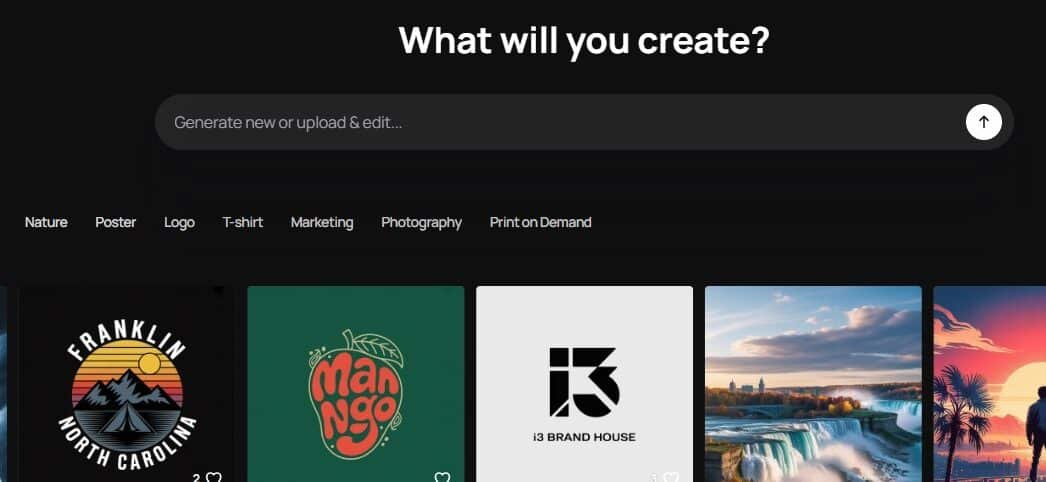
Ideogram solves the one problem that has plagued AI image generation since the beginning: text inside images. Where Midjourney, DALL-E, and Firefly still struggle to render legible words within a generated image, Ideogram was purpose-built to handle typography accurately. The result is a tool that can generate poster designs, social media graphics, quote cards, and branded visual content with readable, properly rendered text baked in.
For content creators who need social graphics with text overlays — motivational quote posts, product launch announcements, event flyers — Ideogram eliminates the need to generate an image and then add text separately in Canva.
Key Features
- Industry-leading text rendering accuracy within generated images
- Magic Prompt for enhanced prompt interpretation
- Style presets: Realistic, Design, Anime, 3D, and more
- Aspect ratio control for platform-specific outputs
- Remix: iterate on existing images with prompt changes
- Generous free tier with daily credits
✅ Pros
- Fast generation times
- Best-in-class text rendering — solves AI’s biggest image weakness
- Excellent for social graphics, posters, and branded content
- Generous free plan — usable without paying
❌ Cons
- Advanced style control less granular than dedicated tools
- Photorealism quality below Midjourney
- Less community/inspiration content than Midjourney
5. Krea AI
Krea AI is unlike any image generation tool you’ve used before. Its real-time generation feature renders AI images live as you draw, drag, or type — updating the output in real time as your inputs change. It’s the closest thing to having an AI that thinks alongside you visually, rather than responding to finished prompts.
For brand designers, creative directors, and visual content creators, this makes ideation dramatically faster. You can sketch a rough layout, and Krea translates it into polished AI imagery instantly — iterating in seconds rather than regenerating from scratch each time.
Key Features
- Real-time AI image generation as you create
- AI Upscaler: enhance and add detail to any image (AI or photo)
- AI Video generation from images
- Pattern and texture generation for brand assets
- Object reference for consistent product visualization
- Canvas mode for multi-element compositions
✅ Pros
- Free tier available
- Real-time generation is a genuinely new creative experience
- AI Upscaler is one of the best available — works on any image
- Excellent for rapid visual ideation and concept exploration
❌ Cons
- Video generation still maturing
- Less suited to final production-ready outputs than Midjourney
- Interface has a learning curve for non-designers
Part 3: AI Video Production Tools
8 runwayml.com
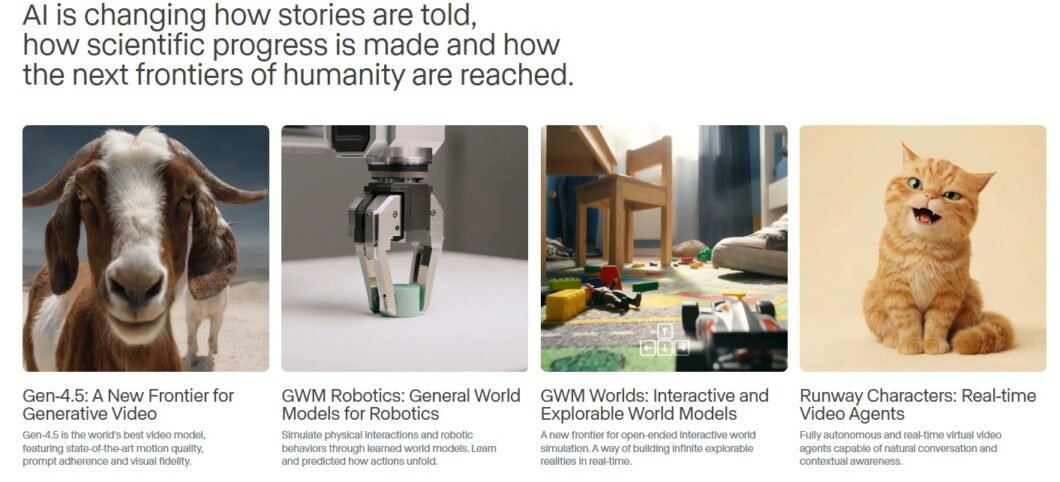
Runway ML is at the frontier of AI video generation. While many tools help you edit existing video, Runway can generate entirely new video content from a text prompt — and with its Gen-3 Alpha model, the results are astonishingly lifelike. It’s the tool of choice for independent filmmakers, VFX artists, and forward-thinking video marketers who want to create the impossible.
Runway’s Motion Brush lets you paint motion onto still images — deciding which parts of the image should move and in which direction — giving you extraordinary control over AI-generated video content. No other tool offers this level of creative precision in video generation.
Key Features
- Gen-3 Alpha: text-to-video and image-to-video generation
- Motion Brush for controlled, targeted motion
- Real-time background removal from video
- AI-powered video inpainting and object removal
- Green Screen: automated chroma keying
- Multi-motion Brush for complex scene animation
✅ Pros
- Constantly updated with cutting-edge models
- Most capable text-to-video tool available
- Broad set of generation and editing features
❌ Cons
- Visual artifacts on complex scenes
- Meaningful use requires $15/month+ plans
- Generated videos max at ~10 seconds per clip
9 heygen.com
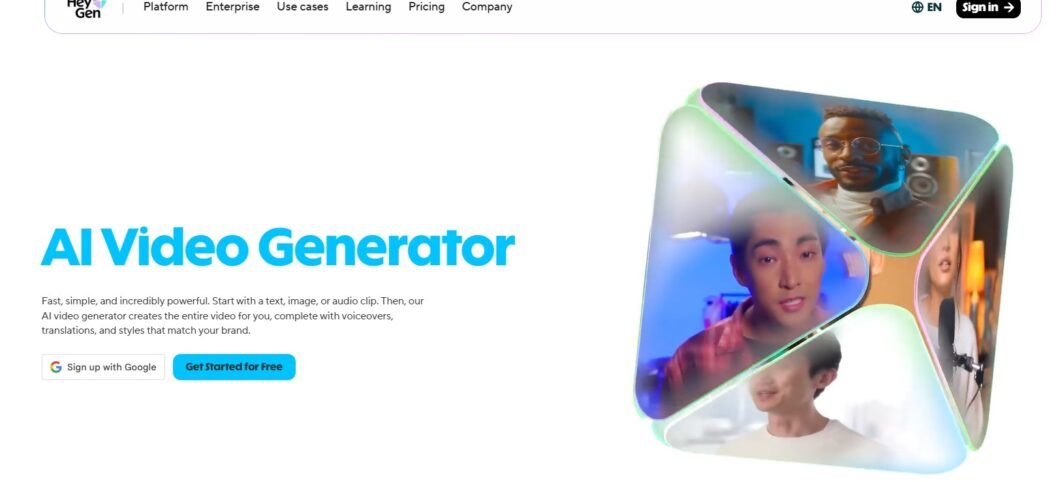
HeyGen is the leading AI avatar video platform — and it’s changing how businesses think about spokesperson videos, product explainers, and personalized video messaging. Instead of booking a studio and a presenter, you can create a realistic AI avatar that delivers your script in your brand’s voice, in multiple languages, in minutes.
HeyGen’s video translation feature is groundbreaking: upload any existing video, select a target language, and HeyGen will not only translate the speech but also reanimate the speaker’s lips to match the new audio. The result looks as if the presenter natively speaks that language. For global content marketing, this is transformative.
Key Features
- 300+ AI avatars across diverse demographics
- Instant Avatar: create your personalized AI avatar in minutes
- Video Translation with lip sync in 40+ languages
- Interactive Avatar for real-time AI conversations
- Screen Recording integration for tutorials
- Custom brand backgrounds and templates
✅ Pros
- Polished, professional-looking output
- Best-in-class video translation and lip sync
- Dramatic reduction in video production time and cost
❌ Cons
- Pricing scales quickly for high volume
- Avatar videos still have an “AI look” on close inspection
- Free plan very limited in export quality
10 descript.com Podcast & Video Editing
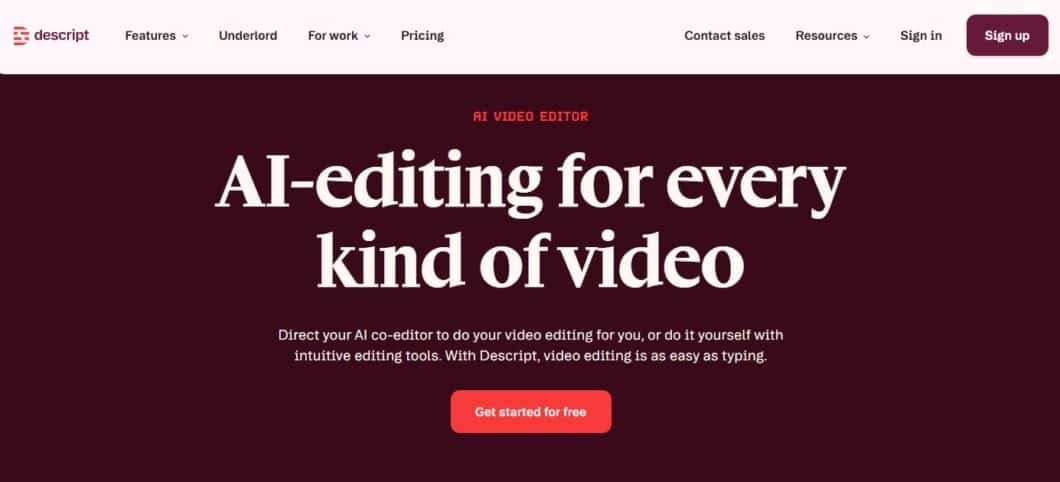
Descript approaches video and audio editing from a revolutionary angle: instead of working with a timeline of waveforms and clips, you work with a text transcript. Delete a word in the transcript and the audio and video disappear. It’s document-style editing for multimedia content — and once you try it, it’s hard to go back.
Descript’s Overdub lets you fix recording mistakes by typing the correction — it synthesizes audio in your own voice to replace the error. Studio Sound uses AI to remove background noise and recording artifacts, making budget recordings sound studio-quality.
Key Features
- Transcript-based editing for audio and video
- Overdub: voice synthesis for seamless audio corrections
- Studio Sound: AI noise removal and audio enhancement
- Remove filler words (ums, ahs, silences) with one click
- Screen recording with automatic transcription
- Social Clips: auto-generate short clips from long content
✅ Pros
- Free plan with reasonable limits
- Completely rethinks the editing workflow
- Studio Sound dramatically improves audio quality
- Collaboration features for podcasting teams
❌ Cons
- Less powerful than dedicated NLEs for video editing
- Transcription accuracy drops with heavy accents
6. Pika Labs

Pika Labs is one of the most impressive and underrated AI video generation platforms — particularly for creators who need short, punchy, visually striking video content for social media. While Runway targets professional filmmakers, Pika is built for speed and accessibility. You can go from a text prompt or a still image to a polished 3–5 second video clip in under a minute.
Pika’s Modify Region feature lets you select a specific area of a generated video and change only that element — swap the background, change a character’s outfit, or alter the environment — while keeping the rest of the scene intact. This level of targeted editing is rare in accessible video AI tools.
Key Features
- Text-to-video and image-to-video generation
- Modify Region: targeted inpainting within generated video
- Lip sync: animate any portrait to match audio
- Sound effects generation from scene content
- Style transfer across video clips
- 1080p export on paid plans
✅ Pros
- More affordable than Runway for casual use
- Fast, accessible, and beginner-friendly
- Lip sync feature opens strong use cases for creators
- Modify Region adds meaningful creative control
❌ Cons
- Less powerful than Runway for professional VFX work
- Clip length limited — best for short-form content
- Complex motion can still produce artifacts
7. Invideo AI

Invideo AI takes a fundamentally different approach to video creation: you describe the video you want in plain language — the topic, tone, audience, and platform — and it builds a complete, narrated, stock-footage video from scratch. It’s not just a template tool; it’s a full video production pipeline triggered by a conversation.
This makes it particularly powerful for content creators, educators, and marketers who need talking-point explainer videos, YouTube-style content, or social ads — without any video editing skills. The AI selects footage, writes a script, adds voiceover, and syncs subtitles automatically.
Key Features
- Full video generation from plain-language description
- AI scriptwriting with scene-by-scene editing
- 16M+ royalty-free stock footage and image library
- AI voiceover with natural-sounding narration
- Auto-subtitles and caption customization
- Platform-specific export (YouTube, Reels, TikTok, ads)
✅ Pros
- Strong free plan; paid from $25/month
- Genuinely zero video editing skill required
- Conversational editing — refine by typing, not clicking
- Large stock library reduces need for external assets
❌ Cons
- Voiceover lacks the naturalness of ElevenLabs
- Output style is recognizably stock-footage-based
- Less suitable for premium brand storytelling
Part 4: AI Audio & Podcast Tools
From voiceovers to original music, AI is making professional sound production accessible to every creator.
11 elevenlabs.io Voice AI
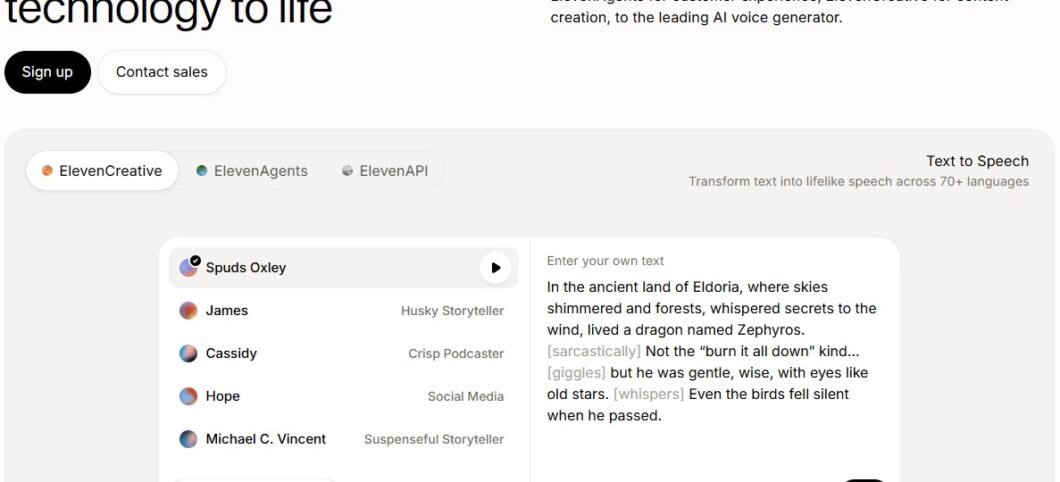
ElevenLabs produces the most human-sounding AI voices available today — and it’s not particularly close. The company’s voice synthesis models capture the nuance, emotion, pacing, and natural imperfections of human speech in a way that earlier text-to-speech tools never could. The result is voiceovers indistinguishable from real narrators.
ElevenLabs Voice Cloning allows you to upload as little as one minute of audio from a real voice and create a high-fidelity clone for unlimited text-to-speech generation. The Dubbing Studio automates full video dubbing into 29 languages with synchronized lip movements.
Key Features
- Ultra-realistic text-to-speech across 29 languages
- Voice Cloning from short audio samples
- Voice Library: 1,000+ community-created voices
- Projects: audiobook and long-form narration production
- Dubbing Studio for video localization
- Sound Effects Generator from text descriptions
✅ Pros
- Generous free tier for evaluation
- Best voice quality in the industry by a wide margin
- Voice cloning opens creative possibilities
- Dubbing Studio is a game-changer for global content
❌ Cons
- Occasional inconsistency in emotional range
- Voice cloning raises ethical considerations — use responsibly
- Professional usage costs add up
12 suno.ai AI Music
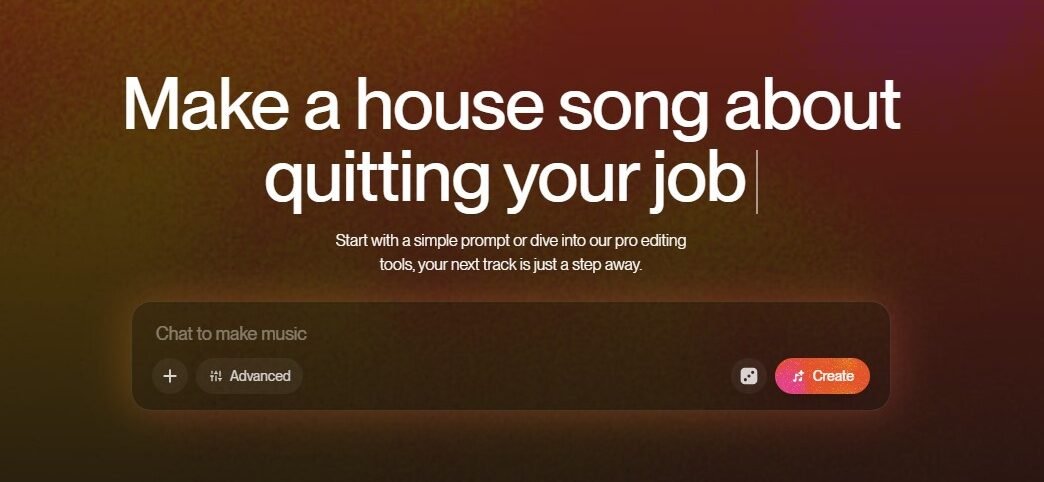
Suno AI is the breakout tool that made non-musicians realize they could create original, commercially usable music — in minutes. Type a description like “upbeat acoustic folk song about working from home, female vocalist, ukulele and light percussion” and within seconds, Suno generates a full track complete with vocals, instrumentals, and lyrics.
Where other AI music tools generate generic background instrumentals, Suno generates complete songs — structured with verses, choruses, bridges, and real-sounding vocals. For content creators who need custom intro music, background tracks for ads, or original music for branded content, Suno is a category-defining tool.
Key Features
- Full song generation from text prompts
- Inpainting: edit specific sections of a generated song
- Song extension: add more verses or continue compositions
- Covers mode: reimagine melodies in new genres
- Support for 50+ music genres and subgenres
- 10 free songs per day on the free plan
✅ Pros
- Commercial rights included on paid plans
- Genuinely impressive full-song output quality
- No musical knowledge required
- Free plan allows 10 songs per day
❌ Cons
- Free plan songs cannot be used commercially
- Lyrics can be repetitive or slightly nonsensical
- Limited fine-grained control over arrangement
8. Podcastle ( async.com )
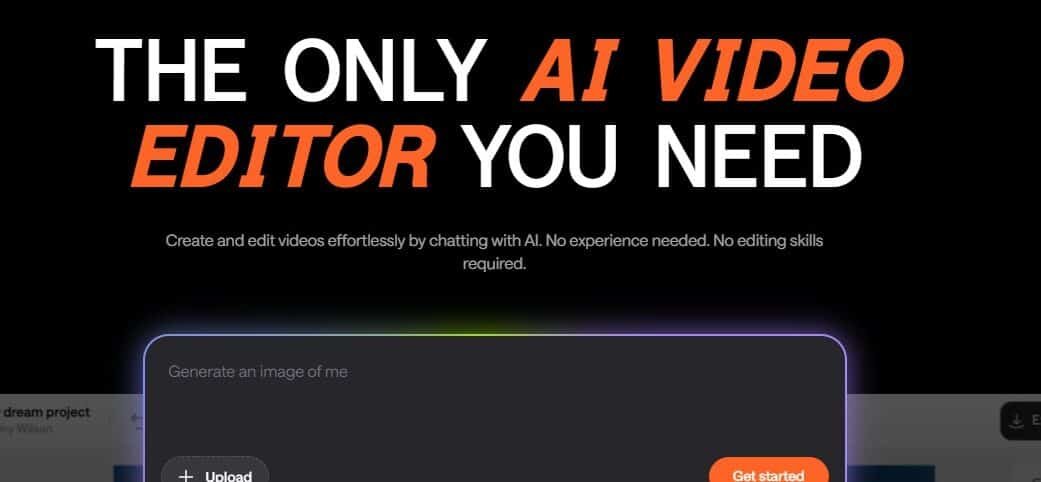
Podcastle is a browser-based podcast recording and production platform with a growing suite of AI features that make it one of the most complete tools for independent podcasters. While Descript approaches audio through transcripts, Podcastle’s strength is the full production pipeline: high-quality remote recording, AI audio enhancement, and publication — all in one place without any software to install.
Its Revoice feature is particularly powerful: it creates a synthetic voice clone of the host that can be used to fill in missed lines, correct stumbled words, or add content after recording — all without re-recording. For solo podcasters managing production alone, this saves hours per episode.
Key Features
- Browser-based remote recording (separate audio tracks per speaker)
- Revoice: AI voice clone for post-recording corrections
- Magic Dust: one-click AI audio enhancement
- AI Transcription with automatic show notes generation
- Silence and filler word removal
- Direct publishing to Spotify, Apple Podcasts, and RSS
✅ Pros
- Free plan covers basic recording and editing
- End-to-end podcast production in one tool
- No software download required — fully browser-based
- Revoice is a standout feature for solo creators
❌ Cons
- Limited music/intro creation compared to Suno
- Audio quality ceiling below dedicated DAWs
- Revoice requires significant sample audio to sound natural
9. Adobe Podcast (Enhance)
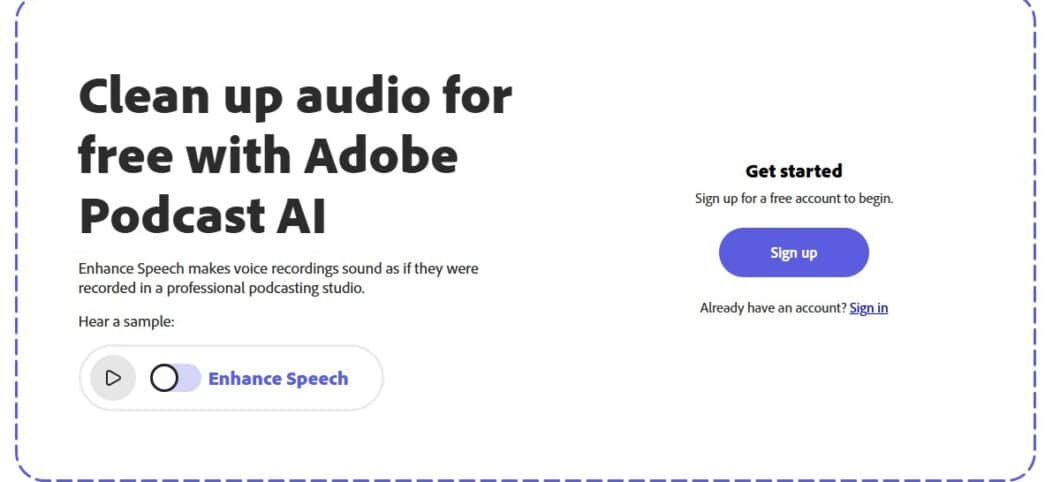
Adobe’s Podcast Enhance tool is arguably the best-kept secret in audio production — and it’s free. You upload any recorded audio — even a voice memo recorded on a phone in a noisy room — and Adobe’s AI removes background noise, eliminates room echo, and enhances the vocal clarity to make it sound like it was recorded in a professional studio.
This is not a slight improvement. The transformation can be genuinely jaw-dropping. For content creators who record in imperfect environments — home offices, spare rooms, hotel rooms — it removes the one technical barrier that makes amateur audio sound amateur.
Key Features
- AI-powered audio enhancement — noise removal and vocal clarity
- Works on any audio file (phone recordings, Zoom calls, podcasts)
- Mic Check: real-time recording quality feedback before you record
- AI transcription with speaker detection
- Voice cloning for consistent narration (beta)
- Free to use for audio enhancement
✅ Pros
- Works on existing recordings — no re-recording needed
- Completely free for core enhancement feature
- Transformation quality is genuinely remarkable
- No audio engineering knowledge required
❌ Cons
- Voice cloning features still in early development
- Less full-featured than Descript or Podcastle for editing
- File size limits on free tier
Part 5: AI SEO, Research & Content Strategy Tools
Creating content is only half the battle. These tools ensure your content gets discovered and performs well in search.
13 surferseo.com
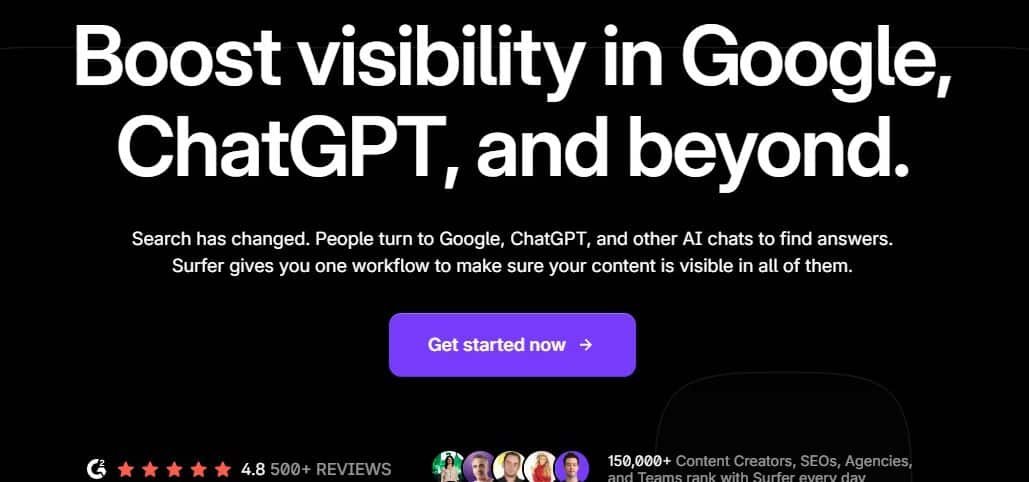
Surfer SEO is the industry standard for AI-assisted on-page SEO optimization. Rather than guessing at keyword density or structure, Surfer analyzes the top-ranking pages for your target keyword and gives you a data-driven blueprint for content that competes — including recommended word count, semantic keywords, heading structure, and more.
Surfer’s Content Score is a real-time optimization metric that updates as you write. The AI Outline Builder uses competitive SERP insights to generate an article structure engineered to rank.
Key Features
- Content Editor with real-time Content Score
- AI Outline Builder based on SERP analysis
- Keyword Research with clustering and intent analysis
- Topical Map for building content authority
- SERP Analyzer for competitive intelligence
- Jasper AI integration for AI-assisted drafting
✅ Pros
- Strong integration with Jasper
- Data-driven — removes guesswork from on-page SEO
- Content Score is an incredibly actionable metric
- Topical Map helps plan full content strategies
❌ Cons
- Some metrics reflect thin competitors, not quality standards
- Starts at $89/month — significant investment
- Over-reliance on Content Score can produce mechanical writing
14 Perplexity AI perplexity.ai Research
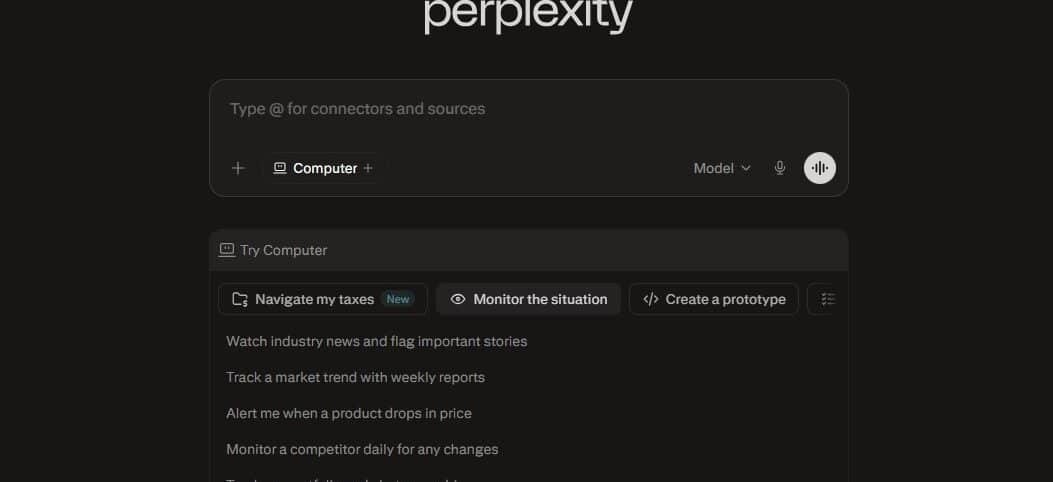
Perplexity AI is best described as a research assistant that actually cites its sources. It combines the conversational capability of a large language model with real-time web search, presenting answers with clear citations so you can verify information and dive deeper. For content creators who rely on accurate, current facts, it’s an essential research companion.
Unlike ChatGPT (which can confidently state outdated information), Perplexity is built around source transparency. Every claim is linked to the original webpage. The Spaces feature lets you build persistent research environments for specific topics, projects, or niches.
Key Features
- Real-time web search with inline citations
- Spaces: persistent topic-focused research environments
- File upload for document-based Q&A
- Focus modes: Academic, YouTube, Reddit, and more
- Deep Research mode for extended multi-step research
- No knowledge cutoff — always current information
✅ Pros
- Free tier is genuinely useful
- Cited sources make fact-checking fast and reliable
- Real-time information — no knowledge cutoff
- Deep Research mode rivals professional research tools
❌ Cons
- Not a writing tool — needs pairing with a drafting platform
- Source quality varies — always verify critical claims
15 marketmuse.com – Content Strategy
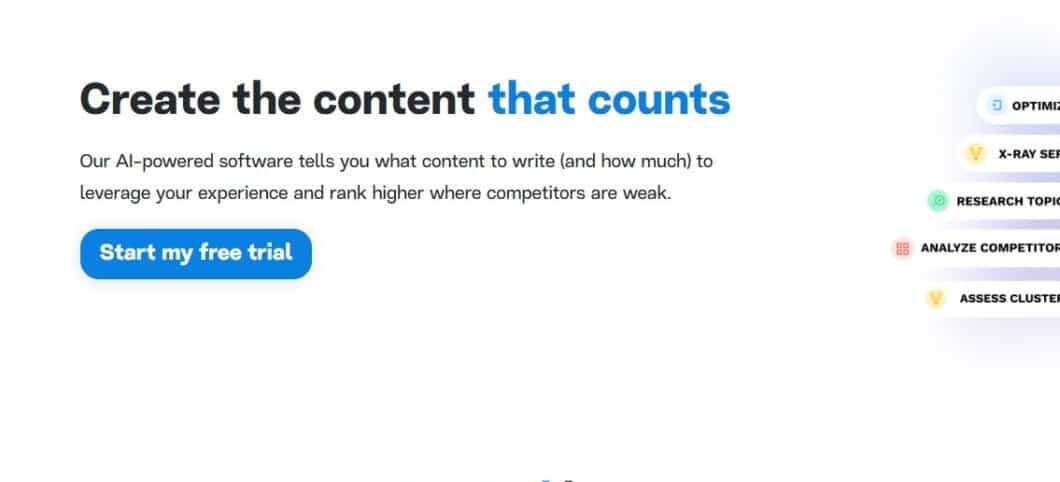
MarketMuse is an enterprise-grade content intelligence platform that takes SEO content strategy to a sophisticated level. Where Surfer SEO excels at optimizing individual pieces of content, MarketMuse excels at helping you build entire content ecosystems — mapping topic authority, identifying content gaps, and prioritizing what to create next for maximum SEO impact.
MarketMuse’s Personalized Difficulty score is uniquely clever: instead of a generic keyword difficulty score, it calculates how hard it is for your specific site to rank — based on your existing domain authority, topical depth, and content history.
Key Features
- Topic Authority Scoring to identify content gaps
- Personalized Difficulty based on your domain’s content
- Content Briefs with AI-recommended structure
- Competitive Content Analysis
- Content Inventory auditing for existing site content
- First Draft AI for auto-generated outlines
✅ Pros
- Excellent for enterprise teams and agencies
- Strategic view of content — not just individual articles
- Personalized Difficulty is uniquely useful
❌ Cons
- Steeper learning curve than simpler SEO tools
- Premium plans start at $149/month
- Overkill for small blogs or solo creators
10. Frase.io
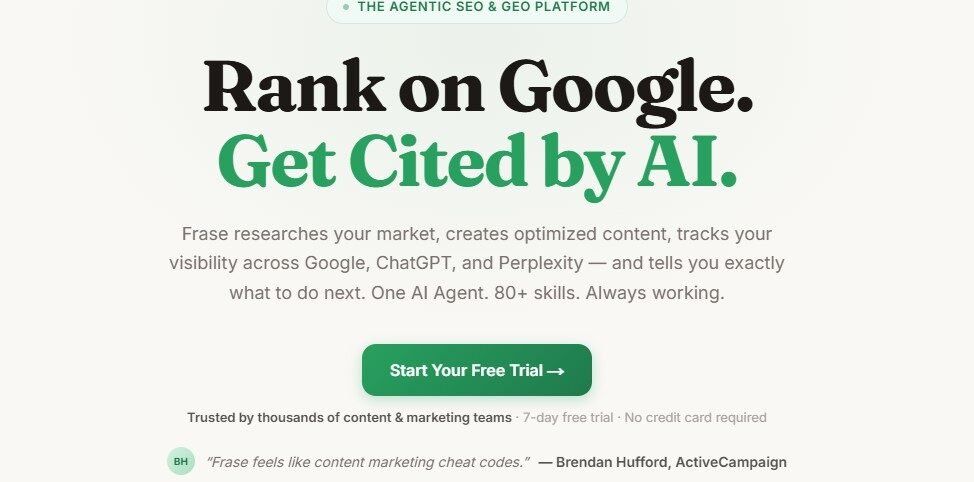
Frase sits in a sweet spot between Surfer SEO’s optimization depth and the affordability that solo creators and small agencies can actually sustain. It specializes in one thing — AI-powered content briefs and SEO research — and it does it exceptionally well at a price point that doesn’t require enterprise budget approval.
Frase’s Answer Engine analyzes the top Google results for your target keyword and extracts what questions real searchers are asking — then builds a structured content brief around those questions. This means every article you write starts with a genuine understanding of search intent, not just keyword density.
Key Features
- SERP-based content brief generation in minutes
- AI content editor with optimization scoring
- Question research extracted from real search results
- Competitor content analysis (word count, headers, topics)
- AI article writer for fast first drafts
- Topic scoring to measure content completeness
✅ Pros
- Clean, intuitive interface
- Most affordable SERP-based SEO tool — from $15/month
- Brief generation is fast and genuinely useful
- Better value than Surfer for individuals and small teams
❌ Cons
- Less powerful for topical authority mapping than MarketMuse
- Optimization scoring less sophisticated than Surfer SEO
- AI writing quality is functional but not exceptional
11. Exploding Topics
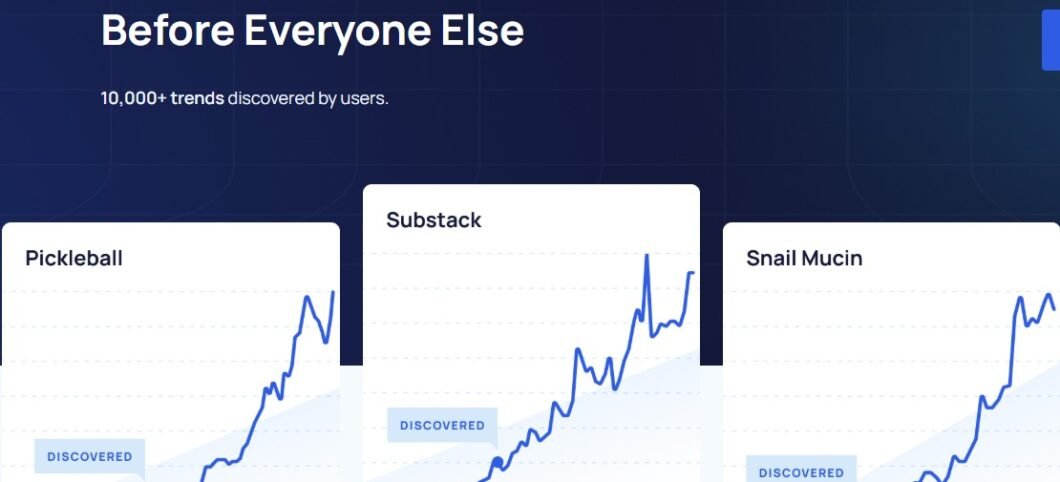
Exploding Topics is a trend discovery platform that surfaces topics, keywords, and product categories before they hit mainstream search volume — giving content creators a genuine first-mover advantage. While most SEO tools tell you about demand that already exists, Exploding Topics identifies what’s quietly growing in search data months before it explodes.
For content strategists, bloggers, and newsletter writers who want to publish ahead of trends rather than chasing them, this is one of the most strategically valuable tools in this entire list. The database spans technology, business, health, consumer products, and more — updated weekly with trajectory data.
Key Features
- Trending topic database across 30+ categories
- Trend trajectory graphs showing growth over time
- Keyword trend alerts via email
- Meta Trends: macro shifts driving multiple micro-trends
- Search volume and growth rate data
- Competitor tracking for trend monitoring
✅ Pros
- Free tier with access to select trending topics
- Unique first-mover advantage for content strategy
- Simple, clean interface with powerful underlying data
- Trend Alerts keep your editorial calendar ahead of the curve
❌ Cons
- Trend predictions aren’t guaranteed — some don’t materializ
- Not a writing or optimization tool — needs pairing with others
- Pro tier ($39/month) required for full database access
Part 6: AI Workflow, Automation & Productivity Tools
The most efficient creators connect AI tools together. These platforms automate pipelines and get more done with less manual effort.
16 Notion AI
Notion has long been the workspace of choice for content teams. Notion AI integrates artificial intelligence directly into this workspace — so instead of switching between your planning doc and a separate AI writing tool, AI is right where your content lives. This context-awareness makes it genuinely powerful for teams.
When you ask Notion AI to summarize, expand, or rewrite, it understands the surrounding document structure — databases, linked pages, project templates — and can pull information from across your workspace. Autofill database properties with AI, generate meeting summaries, draft pages based on linked data.
Key Features
- AI writing, editing, and summarization in any Notion page
- Q&A across your entire workspace
- Autofill database properties from page content
- Meeting notes to action items and summaries
- Custom AI blocks for recurring workflows
- Context-aware — understands your entire workspace
✅ Pros
- Great for content teams already using Notion
- Seamlessly integrated into a powerful workspace tool
- Context-aware across documents and databases
- Affordable at $10/user/month
❌ Cons
- Requires existing Notion adoption to get full value
- Less powerful than specialized AI writing tools
17 Make (formerly Integromat)

Make is a visual automation platform that lets you connect virtually any software tools you use — AI platforms, social media, CMS systems, spreadsheets, email tools — and build automated workflows without code. For content creators managing multi-channel distribution, Make is the connective tissue that eliminates repetitive manual work.
Where Zapier focuses on simple two-step automations, Make is built for complex, multi-step workflows with conditional logic, iterators, and data transformations. A single workflow can: receive a topic idea in a Google Sheet → send it to OpenAI for a draft → format the output → create a WordPress draft → notify your editor via Slack → log the result. All automatically.
Key Features
- Visual drag-and-drop workflow builder
- 1,000+ app integrations including all major AI tools
- Complex branching logic, filters, and error handling
- Webhooks for custom triggers
- Scheduling and real-time trigger options
- Free plan: 1,000 operations/month
✅ Pros
- Deep integrations with all major AI and CMS platforms
- Far more powerful than simpler automation tools
- Generous free plan for getting started
❌ Cons
- Pricing scales with operation volume
- Steeper learning curve than simpler tools like Zapier
- Complex scenarios can be difficult to debug
18 opus.pro
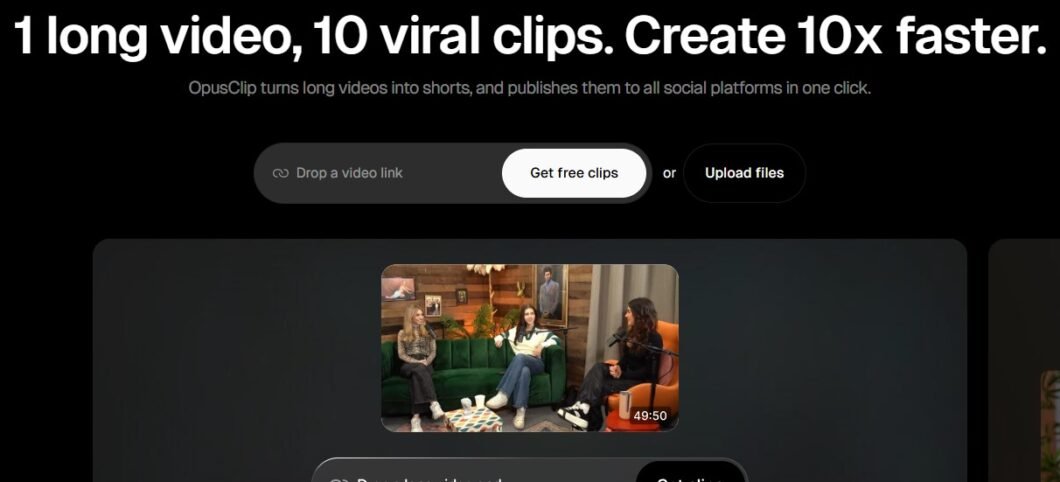
OpusClip solves one of the most time-consuming challenges in modern content creation: turning long-form video into high-performing short clips for YouTube Shorts, TikTok, Instagram Reels, and LinkedIn. What used to take an editor hours now takes minutes.
OpusClip’s AI analyzes your full video for “virality hooks” — moments of high energy, compelling statements, emotional peaks, or strong calls to action — and ranks every clip with a Virality Score. This data-driven approach to clip selection is something no human editor was doing at scale before.
Key Features
- AI-powered clip extraction from long-form video
- Virality Score to rank clip potential
- Automated captions with highlighted keywords
- Auto-reframe for vertical (9:16) and square (1:1) formats
- Brand Kit for consistent visual style
- Speaker detection and face tracking
✅ Pros
- Auto-captions are fast and accurate
- Dramatic time savings for repurposing content
- Virality Score adds data intelligence to creative decisions
❌ Cons
- Export quality limited on free plan
- AI clip selection sometimes misses context — review before publishing
19 pictory.ai
Pictory AI specializes in converting text content — blog posts, scripts, articles — into short, shareable videos. If your content strategy already produces a lot of written content and you want to expand into video without starting from scratch, Pictory is built exactly for this use case.
Pictory’s Blog to Video feature goes even further — it scrapes the full content of a URL and builds a video without you needing to paste or upload anything. Just share your article link and Pictory handles the rest, matching footage, adding subtitles, and selecting background music automatically.
Key Features
- Script to Video: turn written content into video automatically
- Blog to Video: video creation directly from a URL
- Auto-summarization of long videos into highlights
- Automated captions and subtitle burning
- 3M+ royalty-free footage and image library
- Brand Kit for consistent visual identity
✅ Pros
- Affordable — from $19/month
- Excellent for repurposing written content into video
- Blog-to-video via URL is incredibly convenient
- Large royalty-free media library included
❌ Cons
- Best for social/explainer use — not cinematic content
- Stock footage can feel generic for premium brand content
20 gravitywrite.com

GravityWrite is one of the most complete all-in-one AI content platforms that most creators haven’t heard of yet — and that’s exactly why it belongs on this list. While it doesn’t have the brand recognition of Jasper or the technical depth of Surfer, it competes aggressively on breadth and value: writing, image generation, social media scheduling, and content repurposing — all in one dashboard at a price point that undercuts most competitors.
GravityWrite’s Blog Wizard is particularly impressive for its price tier: it generates fully structured, long-form articles with introduction, subheadings, body content, FAQs, and meta descriptions in a single workflow. For small business owners and solo creators who need volume without complexity, it’s one of the best value propositions on the market today.
Key Features
- 250+ content templates across all major content types
- Blog Wizard: end-to-end long-form article generation
- Integrated AI image generator
- Social Media Planner and content calendar
- Bulk content generation for product descriptions
- Brand Voice customization
- SEO-optimized content with meta tags and schema suggestions
- Free plan available with limited credits
How to Use It
Sign up at gravitywrite.com — a free plan is available. Choose the Blog Wizard, enter your topic, target keyword, and preferred tone. The system generates a full article structure first — review the outline, adjust any sections, then hit generate for the complete draft. Use the built-in editor to add your personal voice and perspective before publishing.
✅ Pros
- Excellent for agencies managing multiple clients
- Outstanding value — free plan + premium from $19/month
- All-in-one platform reduces tool sprawl
- Blog Wizard produces solid first drafts with minimal input
- Image generation removes need for a separate design tool
❌ Cons
- Complex/technical topic output needs more editing
- Smaller community and fewer integrations than established competitors
- Advanced SEO features don’t match Surfer or MarketMuse
12. Taskade

Taskade is an AI-powered project management and collaboration workspace that has been quietly building one of the most impressive AI feature sets in the productivity space. Where Notion AI adds AI into a notes-first tool, Taskade is built AI-first — with autonomous AI agents that can execute multi-step research and content tasks on your behalf, not just assist with writing.
Its AI Agents can be assigned a goal — “research this topic, write a content brief, and create a project plan” — and will work through the task autonomously, browsing the web, generating content, and organizing outputs into your workspace without step-by-step prompting.
Key Features
- AI Agents: autonomous task execution with web browsing
- AI-powered project templates for content workflows
- Mind map, kanban, list, and calendar views in one tool
- Real-time collaboration with AI participating as a team member
- Workflow automation with custom AI triggers
- Free plan with generous AI credits
✅ Pros
- Competitive free tier — serious use without paying
- AI Agents genuinely reduce hands-on management time
- All-in-one: replaces Notion + Trello + basic automation tools
- Flexible views suit different workflow styles
❌ Cons
- Can feel overwhelming for users who just want simple task management
- AI Agent quality varies on complex tasks
- Less mature integration ecosystem than Make or Zapier
13. Writesonic
Writesonic has significantly evolved beyond its early days as a basic copywriting tool. It now positions itself as an all-in-one AI content platform with a particular strength that none of the writing tools in your original list share: a built-in AI SEO agent called Chatsonic with real-time web access, directly paired with a content editor that competes with Surfer SEO.
What makes Writesonic worth including is its Botsonic feature — a no-code AI chatbot builder that lets you train a custom chatbot on your own content and embed it on your website. For content creators building audience-facing tools or knowledge bases, this adds a dimension no other writing tool in this list offers.
Key Features
- Chatsonic: AI assistant with real-time web search and citations
- AI Article Writer with SEO optimization built in
- Botsonic: custom AI chatbot trained on your content
- Brand Voice training across all content types
- Bulk content generation for product descriptions
- 100+ writing templates
✅ Pros
- Strong long-form article quality at this price point
- Real-time web access in Chatsonic is genuinely useful
- Botsonic is a differentiating feature no competitor matches
- More affordable than Jasper — from $16/month
❌ Cons
- Bulk generation needs careful review for quality
- Interface can feel cluttered with so many features
- Botsonic setup requires technical confidence
14. Taplio

Taplio is the most purpose-built AI tool for LinkedIn creators — and it does something no general writing tool does: it learns from the highest-performing LinkedIn posts in your niche and uses that intelligence to help you write content that’s actually optimized for the LinkedIn algorithm, not just well-written in isolation.
For founders, consultants, coaches, and B2B marketers who use LinkedIn as a primary growth channel, Taplio functions as a full LinkedIn operating system: content creation, scheduling, carousel building, analytics, and relationship management — all in one place.
Key Features
- AI post generation trained on viral LinkedIn content
- Carousel builder: document-style post creation
- Content inspiration from top posts in your niche
- LinkedIn scheduling and content calendar
- Relationship management: track and engage with connections
- Analytics: post performance and audience growth tracking
✅ Pros
- Saves significant time for active LinkedIn publishers
- Purpose-built for LinkedIn — nothing else comes close
- Carousel builder is genuinely excellent for B2B creators
- Inspiration feed removes the blank-page problem
❌ Cons
- AI post quality still needs personal voice added
- Only useful if LinkedIn is a priority channel
- Starts at $39/month — steep for casual LinkedIn users
15. Captions.ai
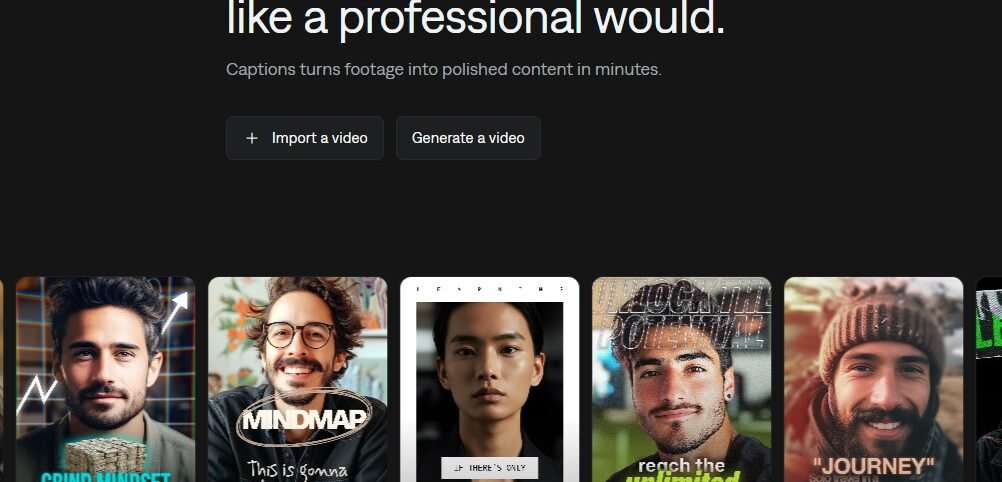
Captions is a mobile-first AI video creation app that has become the go-to tool for solo content creators who record themselves — for TikTok, Instagram Reels, YouTube Shorts, and LinkedIn video. It handles everything that makes self-recorded video time-consuming: captions, eye contact correction, filler word removal, B-roll insertion, and video translation — all from your phone.
Its AI Eye Contact feature is one of the most technically impressive things in this entire list: it detects when you’re looking at your script rather than the camera and algorithmically redirects your gaze to look directly at the lens. The result is a more engaging, direct-to-camera video even when you’re reading from notes.
Key Features
- Auto-captions with animated, branded styling
- AI Eye Contact correction for on-camera authenticity
- Filler word and silence removal
- AI B-roll: automatic relevant footage insertion
- Video translation into 28 languages
- Teleprompter with auto-scroll built in
✅ Pros
- Free tier covers core features for light users
- Mobile-first — ideal for creators who film on phones
- Eye Contact feature is genuinely unique and impressive
- End-to-end creator video workflow in a single app
❌ Cons
- Best for talking-head content — not cinematic or narrative video
- Desktop experience less polished than mobile app
- B-roll selection can be hit-or-miss contextually
How to Choose the Right AI Tools for Your Workflow
With 20 tools on the table, the question isn’t “which is best” — it’s “which combination is best for me.” Here’s a practical four-step framework:
1️⃣ Define Your Content Bottleneck First : Are you struggling with quantity, quality, consistency, or distribution? Different tools solve different problems. Identify your biggest constraint before subscribing to anything.
2️⃣ Start With One Tool Per Category : Resist the temptation to subscribe to five writing tools simultaneously. Pick one, use it seriously for 30 days, and evaluate its ROI before adding another tool to your stack.
3️⃣ Match Tool to Technical Comfort Level : Tools like Make and MarketMuse have higher learning curves but higher ceilings. Start with Canva AI or Copy.ai and work toward more sophisticated tools as your confidence grows.
4️⃣ Audit Your Subscription Costs Quarterly : It’s easy to build a stack spending $200–400/month across multiple AI tools. Review actual usage every quarter and cut tools you’re not fully using. Ruthless curation beats sprawl.
Quick Reference: All 20 Tools at a Glance
| # | Tool | Category | Best For | Starting Price |
|---|---|---|---|---|
| 1 | ChatGPT | Writing | General AI writing assistant | Free / $20/mo |
| 2 | Jasper AI | Writing | Marketing content at scale | $39/mo |
| 3 | Copy.ai | Writing | Short-form copy & automation | Free / $36/mo |
| 4 | Sudowrite | Writing | Fiction and creative writing | $19/mo |
| 5 | Midjourney | Visual | AI image generation | $10/mo |
| 6 | Adobe Firefly | Visual | Commercial-safe design AI | Adobe CC plan |
| 7 | Canva AI | Visual | All-in-one design platform | Free / $15/mo |
| 8 | Runway ML | Video | AI video generation | Free / $15/mo |
| 9 | HeyGen | Video | AI avatar videos | Free / $24/mo |
| 10 | Descript | Video | Podcast & video editing | Free / $24/mo |
| 11 | ElevenLabs | Audio | AI voice & text-to-speech | Free / $5/mo |
| 12 | Suno AI | Audio | AI music generation | Free / $8/mo |
| 13 | Surfer SEO | SEO | On-page SEO optimization | $89/mo |
| 14 | Perplexity AI | SEO | Research with cited sources | Free / $20/mo |
| 15 | MarketMuse | SEO | Enterprise content strategy | Free / $149/mo |
| 16 | Notion AI | Workflow | Workspace-integrated AI | $10/user/mo |
| 17 | Make | Workflow | Visual workflow automation | Free / $9/mo |
| 18 | OpusClip | Workflow | Long video to short clips | Free / $15/mo |
| 19 | Pictory AI | Video | Blog/script to video | $19/mo |
| 20 | GravityWrite | Writing | All-in-one content platform | Free / $19/mo |
Final Thoughts
If there’s one thing to take away from this guide, it’s this: AI content tools are most powerful in the hands of people who still bring creativity, strategy, and genuine expertise to the table. They don’t replace the thinking — they accelerate the doing.
The creators who will win in the AI era aren’t the ones who use AI to generate the most content. They’re the ones who use AI to produce the right content, more efficiently, with a distinctive human voice that audiences connect with. Use these tools to eliminate the tedious, repetitive parts of content production — and invest the time you save into the things only you can do: developing original ideas, building audience relationships, and adding the personal perspective that no AI can replicate.
Start with one or two tools from this list that align with your biggest bottleneck. Get genuinely good at them. Then build from there. Your future content workflow will thank you.
Frequently Asked Questions
Are AI content creation tools safe for commercial use?
Most major tools — including Jasper, Copy.ai, and Adobe Firefly — allow commercial use on paid plans. Adobe Firefly is specifically trained on licensed content, making it the most defensible choice for commercial image use. Always check the terms of service for each tool, especially for image generation, as licensing policies vary.
Will Google penalize AI-generated content?
Google’s official stance is that it doesn’t penalize content simply for being AI-generated — it penalizes low-quality, unhelpful content regardless of how it was produced. AI-generated content that is accurate, helpful, and provides genuine value to readers is treated the same as human-written content. Quality and helpfulness are what matter, not the method of creation.
Which AI writing tool is best for beginners?
Canva AI (Magic Studio) and Copy.ai are the most beginner-friendly options, with intuitive interfaces and minimal setup required. For pure writing, ChatGPT’s free tier offers extraordinary value and requires nothing more than knowing how to write a clear prompt.
How much should I budget for AI content tools?
A solid starter stack — one writing tool, one visual tool, and one SEO tool — can be built for $40–80/month using mid-tier plans. An advanced professional stack might run $150–300/month. Start lean, measure ROI, and expand your stack deliberately rather than subscribing to everything at once.
Can I use multiple AI tools together in one workflow?
Absolutely — and the most effective creators do exactly this. A common high-performance workflow looks like: Perplexity for research → ChatGPT or Jasper for drafting → Surfer SEO for optimization → Canva AI for visuals → OpusClip for video repurposing → Make to automate distribution. These tools are designed to complement each other.